Photography
Use The Uploaded Image AS The Strict Character Reference.
Use Cases
- Suitable for Photography AI image generation workflows, with reusable structure for fast iteration.
- Best for stable, style-consistent outputs in iterative generation.
Notes
- Replace placeholders (such as
[OBJECT]and{variable}) with concrete subjects and contexts. - Keep core constraints first (composition, lighting, lens, materials), then add style modifiers gradually.
- If results become noisy, reduce prompt density and reintroduce key elements step by step.
#Photography
作者@aleenaamiir来源链接https://x.com/aleenaamiir/status/2008488506692366681
Prompt 模板
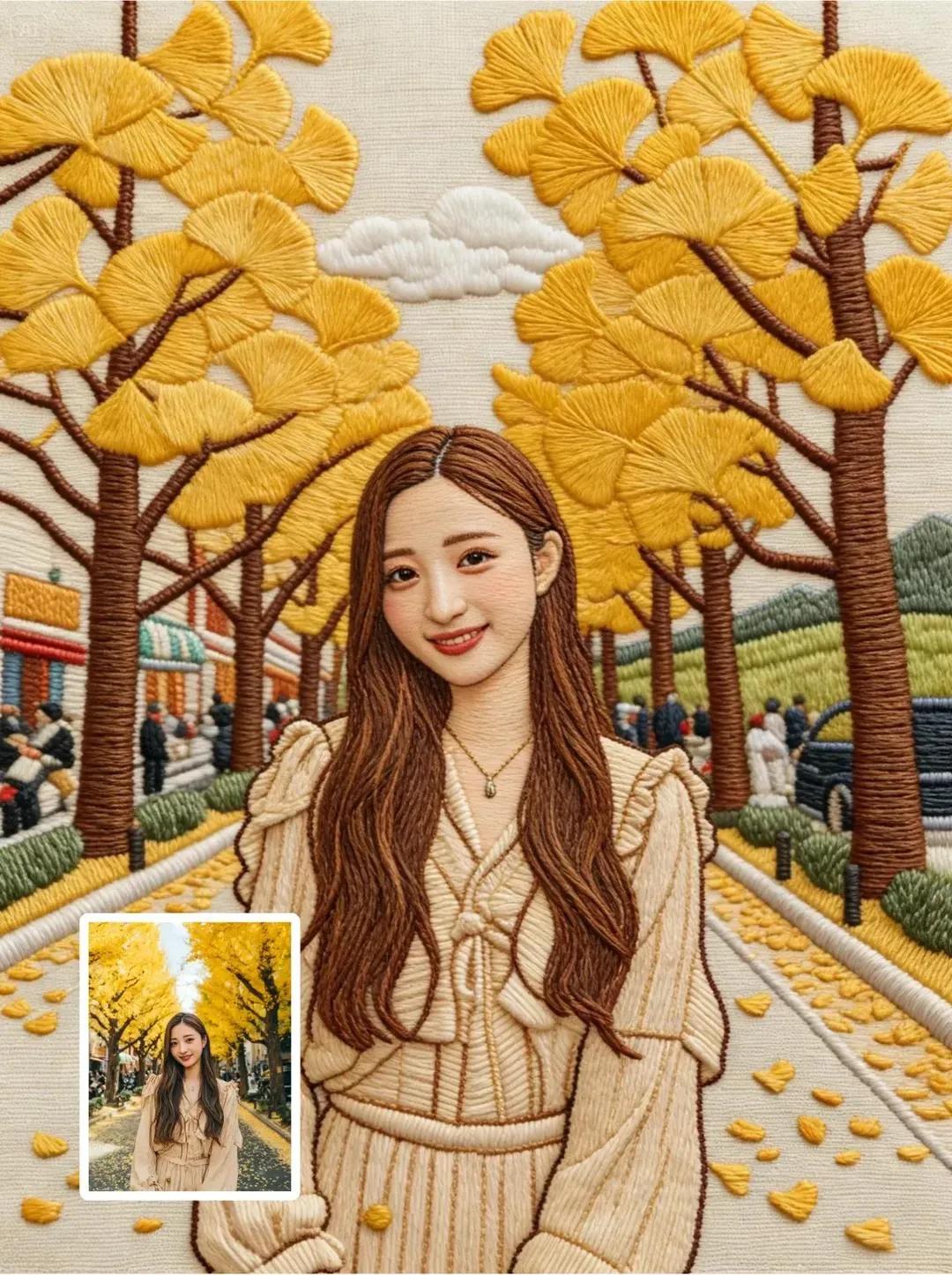
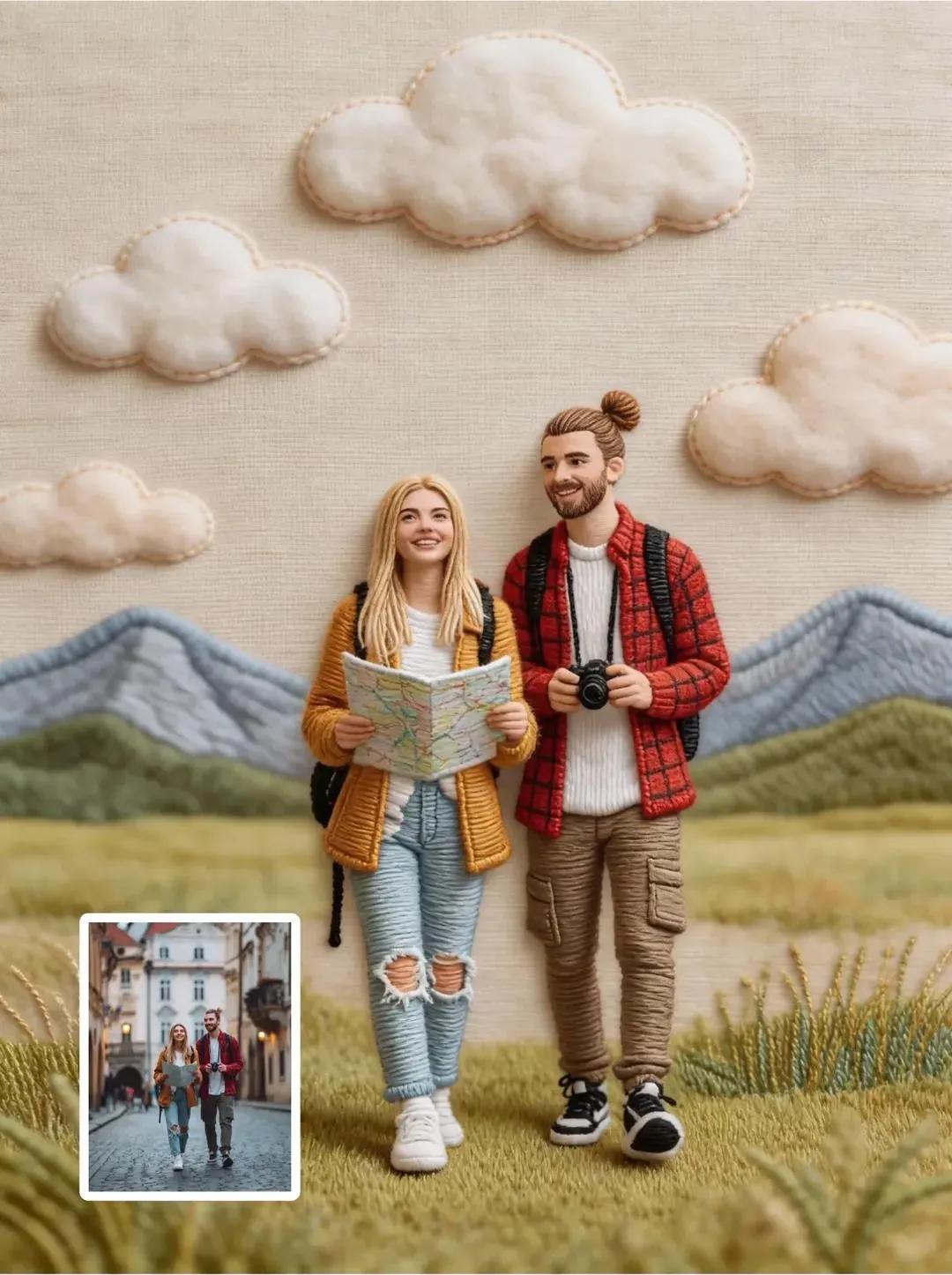
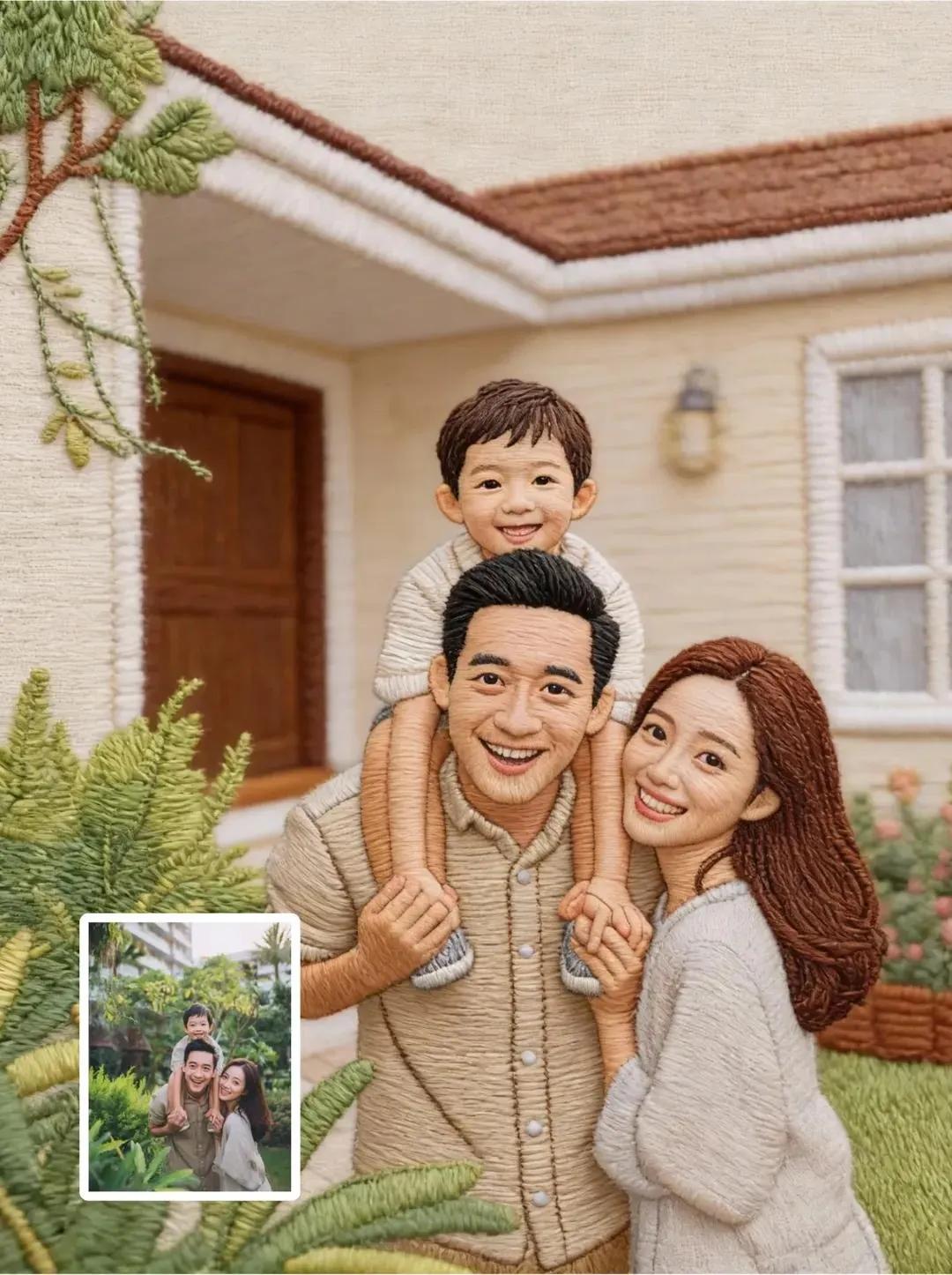
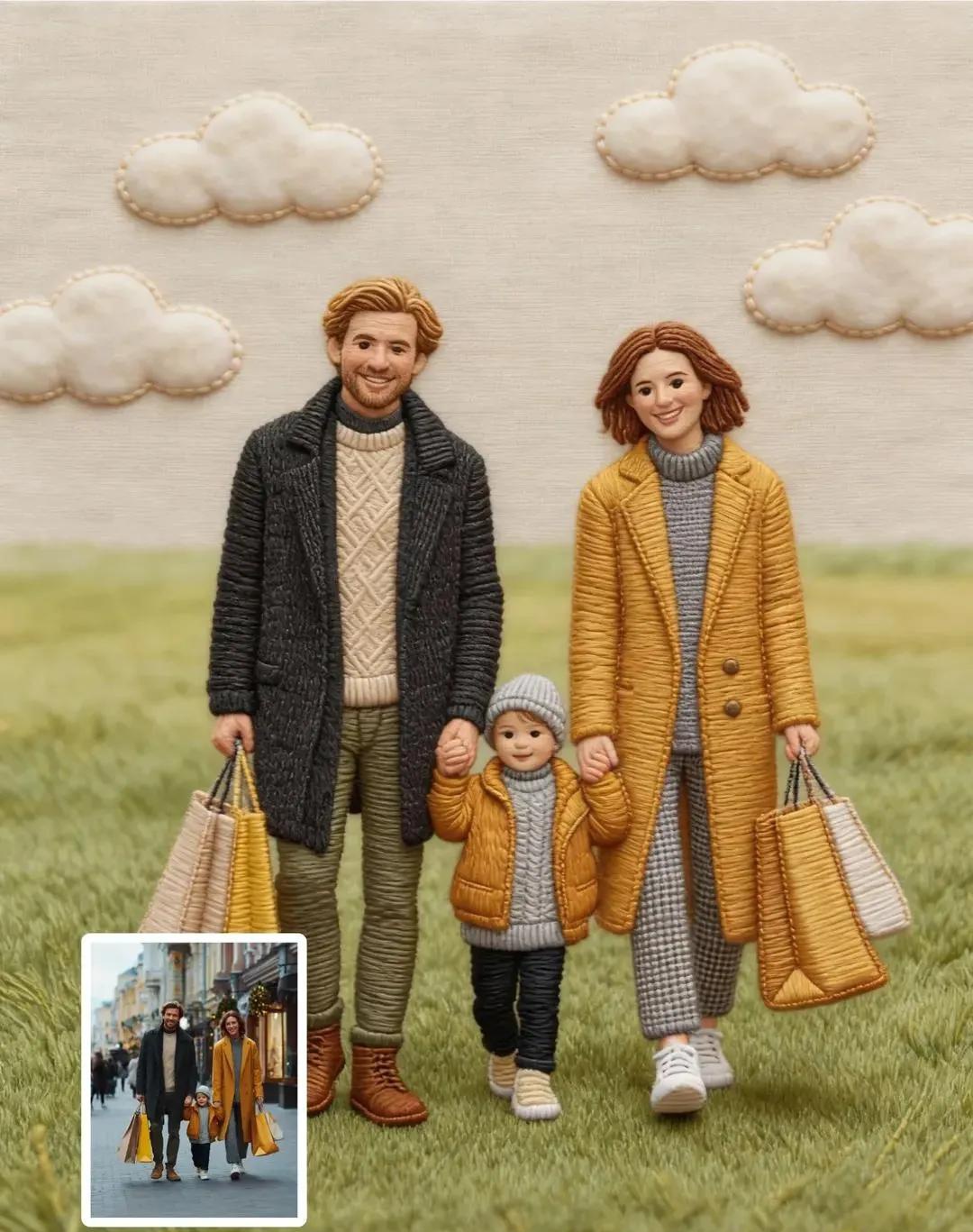
Use the uploaded image as the strict character reference.
Preserve the character’s facial structure, expression, skin tone, hairstyle, outfit, proportions, and pose exactly as shown.

Do not modify, beautify, stylize, or reinterpret the face in any way beyond embroidery translation.
Render the character as hyper-detailed hand embroidery artwork, using realistic satin stitches, long-and-short stitches, and dense fill stitches to create natural depth, fabric texture, and thread sheen.

Visible embroidery threads, precise stitch direction following facial contours, smooth gradients formed through thread layering, high stitch density, museum-quality textile craftsmanship.

Neutral fabric background, soft studio lighting, ultra-sharp macro detail, photorealistic embroidery realism, no illustration or cartoon style.
示例图片