UI & Graphic
UI & Graphic Prompt Template
Use Cases
- Suitable for UI & Graphic AI image generation workflows, with reusable structure for fast iteration.
- Best for product hero shots, packaging proposals, and brand campaign visuals.
Notes
- Replace placeholders (such as
[OBJECT]and{variable}) with concrete subjects and contexts. - Keep core constraints first (composition, lighting, lens, materials), then add style modifiers gradually.
- If results become noisy, reduce prompt density and reintroduce key elements step by step.
#UI & Graphic
作者@AmirMushich来源链接https://x.com/AmirMushich/status/2034709218549199327
Prompt 模板
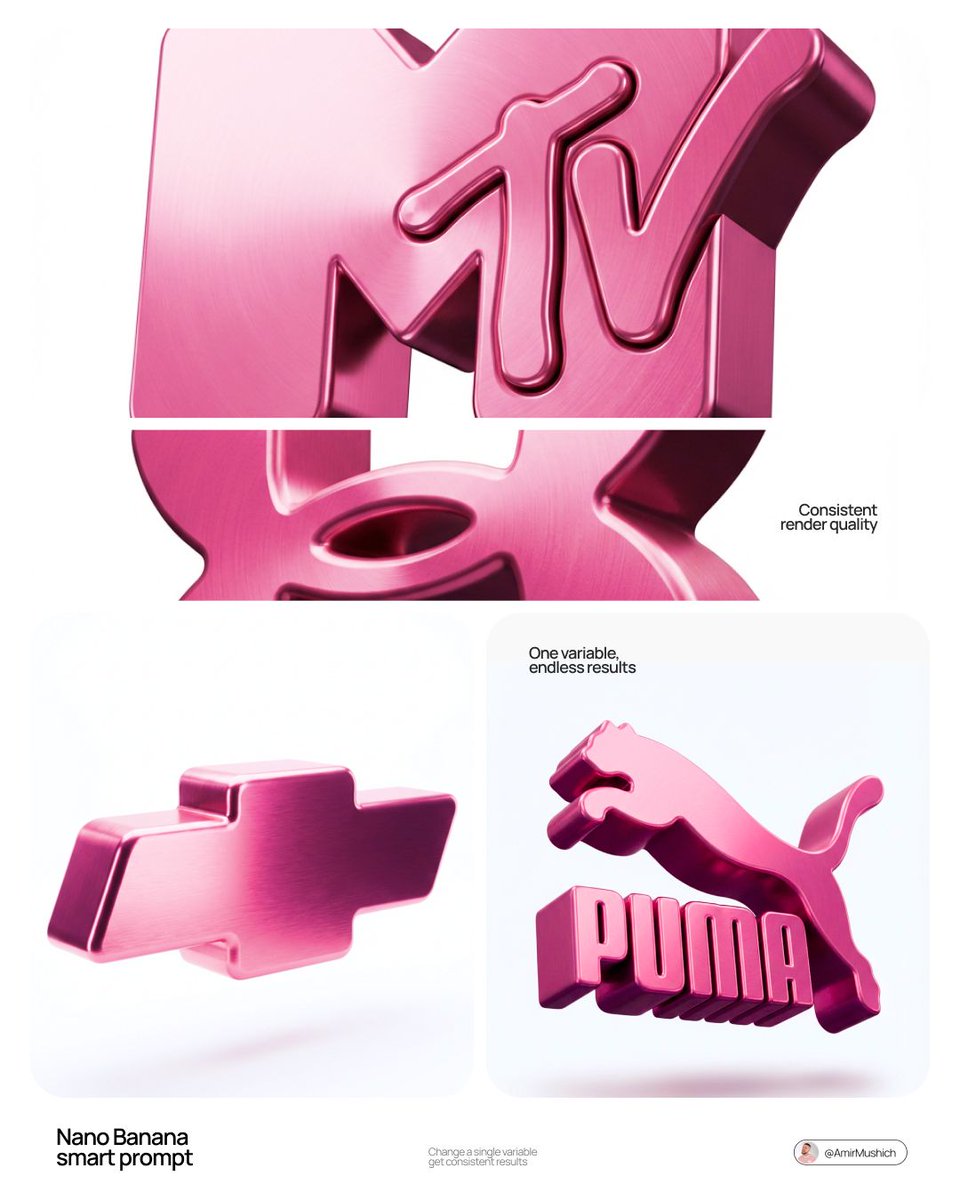
[BRAND NAME]. Act as a 3D Product Visualization Artist.

PHASE 1: LOGO TO 3D OBJECT

Take the [BRAND NAME] logo and transform it into a thick 3D sculptural form. Simplify to core shape, add rounded edges (8-12mm fillet), make it one solid piece with 40-60mm depth. Keep it recognizable.

PHASE 2: PINK METALLIC MATERIAL

- Color: Pink metallic (#C85A8E to #8B4A6F range)

- Finish: Glossy brushed metal with fine grain

- Highlights: Light pink (#E89BB8)

- Shadows: Deep plum (#6B3854)

- Roughness: 0.2 (shiny but not mirror)

- NO copper, NO gold, NO silver

PHASE 3: LIGHTING

Soft studio lighting from top-left creating smooth gradient across the object. Light pink on highlights, deep plum in shadows. No hard shadows.

PHASE 4: BACKGROUND & FLOATING

- Pure white background (#FFFFFF)

- Object levitating in white void

- Soft blurred shadow underneath (90% transparent)

- NO pedestals, NO stands, NO supports

PHASE 5: CAMERA

Slight 3/4 angle, looking down 10°, object centered, filling 60% of frame.

TECH SPECS:

- High-quality 3D render (Octane/Cycles)

- 4K resolution

- Full object in focus

- Subtle bloom on highlights

CRITICAL:

- Must be PINK metallic only

- Must float in pure white space

- Must have thick 3D volume with smooth surfaces

- Must look like luxury product photography
示例图片