Photography
Photography Prompt Template
Use Cases
- Suitable for Photography AI image generation workflows, with reusable structure for fast iteration.
- Best for portrait, fashion, and social campaign imagery.
Notes
- Replace placeholders (such as
[OBJECT]and{variable}) with concrete subjects and contexts. - Keep core constraints first (composition, lighting, lens, materials), then add style modifiers gradually.
- If results become noisy, reduce prompt density and reintroduce key elements step by step.
#Photography
作者@john_my07来源链接https://x.com/john_my07/status/2013525972524712055
Prompt 模板
{
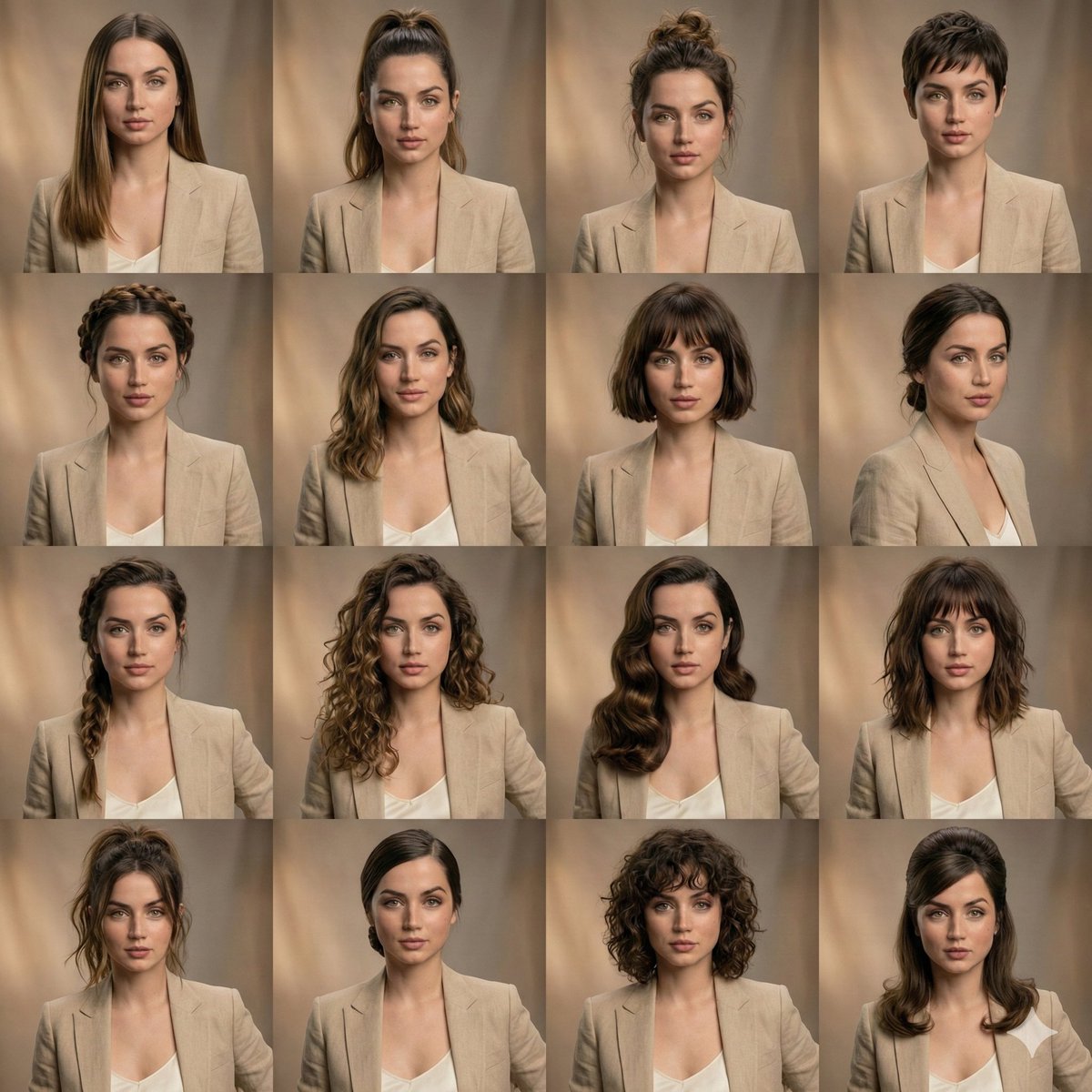
  "scene_type": "editorial beauty collage",
  "subject": {
    "identity_lock": true,
    "face_consistency": "perfectly matched across all frames",
    "expression": "unchanged, neutral and relaxed",
    "skin": "realistic texture, natural pores, high fidelity"
  },
  "layout": {
    "grid": "4x3",
    "framing": "equal-sized portrait panels",
    "consistency": "symmetrical facial alignment in every frame"
  },
  "hairstyle_variations": [
    "sleek long straight hair",
    "high ponytail",
    "textured messy bun",
    "pixie haircut",
    "braided crown",
    "soft flowing waves",
    "short bob with bangs",
    "low tied bun",
    "side braid",
    "loose defined curls"
  ],
  "styling": {
    "outfit": "same neutral wardrobe across all panels",
    "makeup": "identical clean beauty makeup in every shot"
  },
  "lighting": {
    "type": "soft studio lighting",
    "tone": "warm",
    "shadows": "gentle and natural"
  },
  "background": {
    "style": "subtle blurred studio backdrop",
    "color": "warm neutral tones"
  },
  "quality": {
    "detail": "ultra-detailed",
    "photography": "professional portrait",
    "finish": "high-end editorial look"
  }
}示例图片