Photography
Photography Prompt Template
Use Cases
- Suitable for Photography AI image generation workflows, with reusable structure for fast iteration.
- Best for stable, style-consistent outputs in iterative generation.
Notes
- Replace placeholders (such as
[OBJECT]and{variable}) with concrete subjects and contexts. - Keep core constraints first (composition, lighting, lens, materials), then add style modifiers gradually.
- If results become noisy, reduce prompt density and reintroduce key elements step by step.
#Photography
作者@azed_ai来源链接https://x.com/azed_ai/status/2031369659350679749
Prompt 模板
{
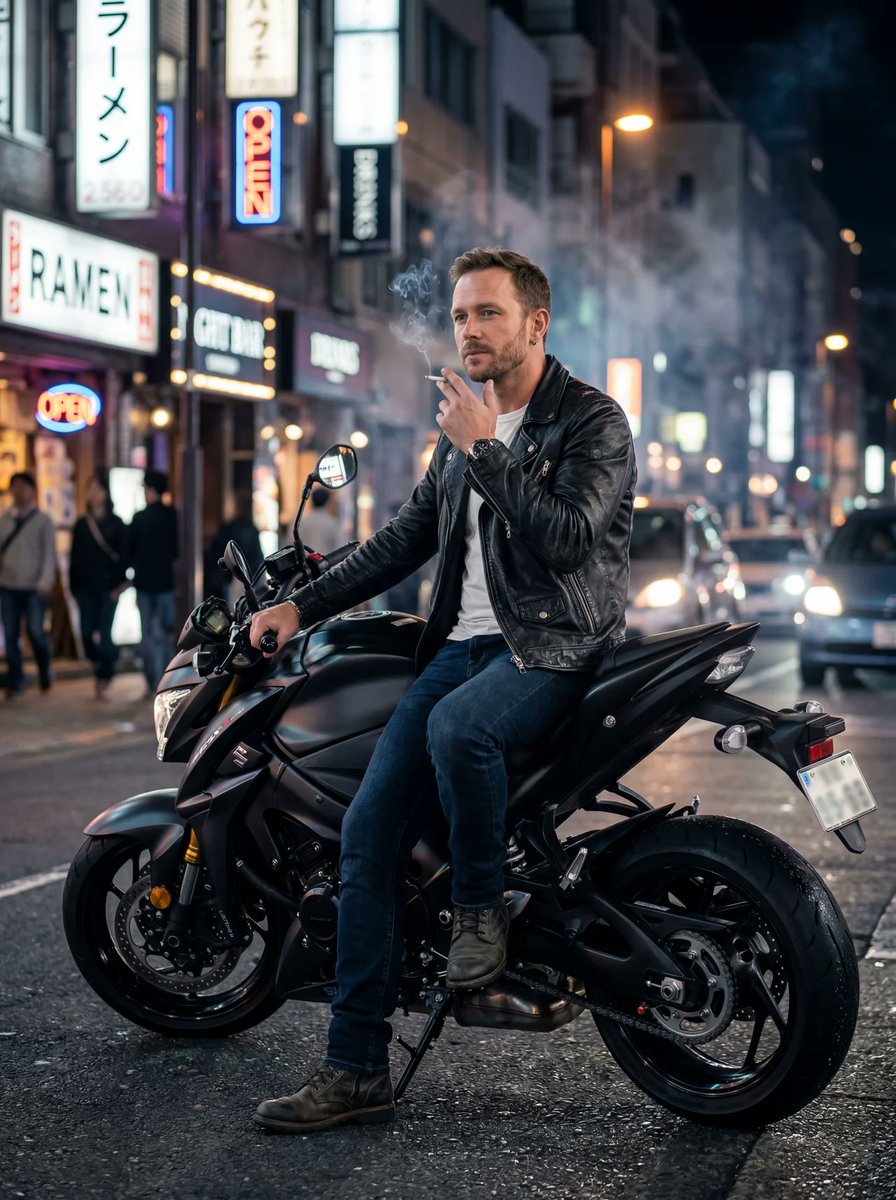
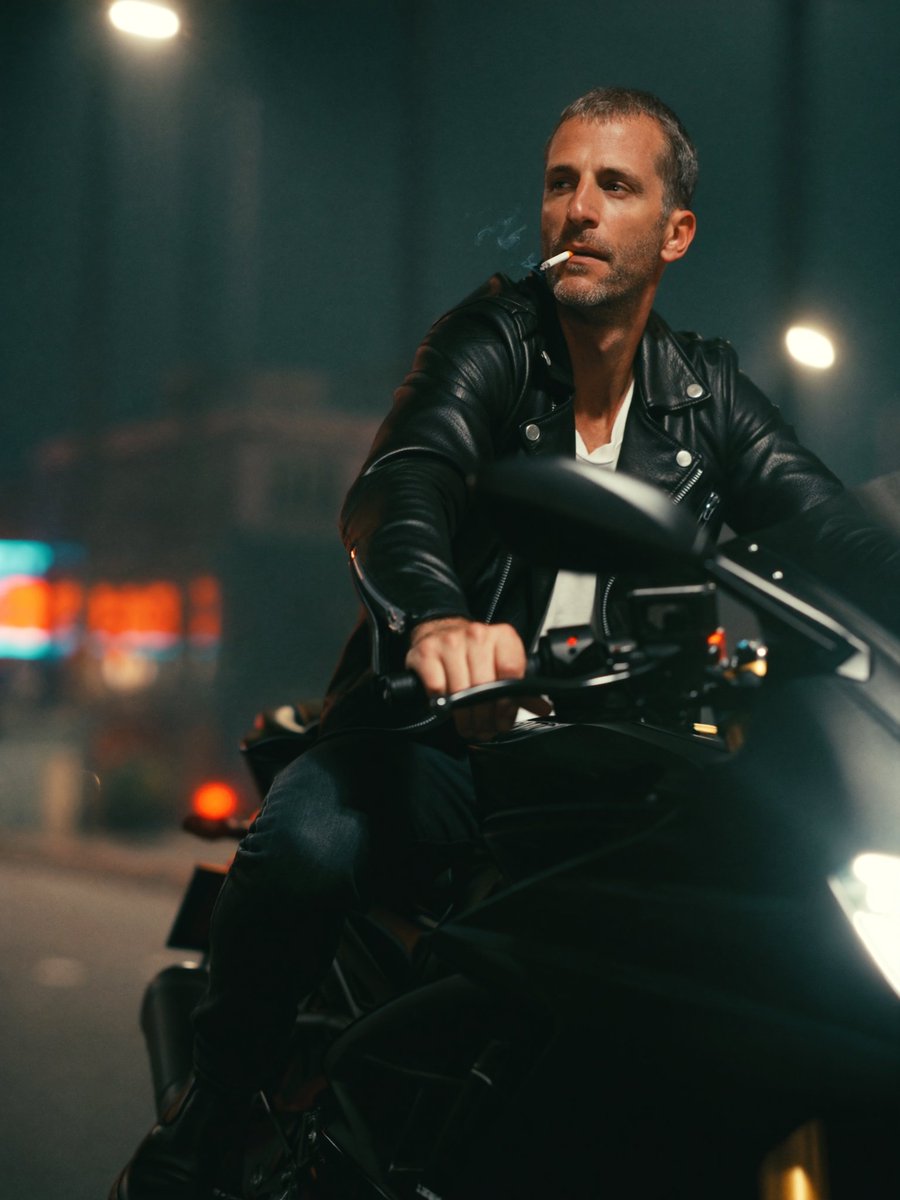
  "style": "photorealistic",
  "subject": "adult man smoking a cigarette while sitting on a motorbike",
  "appearance": {
    "age": "mid-30s",
    "expression": "calm, slightly serious",
    "beard": "light stubble",
    "clothing": "black leather jacket, white t-shirt, dark jeans, boots"
  },
  "pose": "sitting casually on the motorbike, one foot on the ground, holding a cigarette near his mouth",
  "vehicle": {
    "type": "modern sport motorbike",
    "color": "matte black",
    "details": "clean chrome accents, realistic reflections"
  },
  "environment": {
    "location": "urban street at night",
    "lighting": "cinematic street lights, soft rim light, subtle neon reflections",
    "atmosphere": "slight smoke haze blending with cigarette smoke"
  },
  "camera": {
    "angle": "low angle shot",
    "lens": "85mm",
    "depth_of_field": "shallow depth of field, blurred background bokeh"
  },
  "quality": {
    "resolution": "8k",
    "details": "ultra-detailed skin texture, realistic smoke, natural shadows",
    "rendering": "high dynamic range, sharp focus"
  }
}示例图片