Product & Brand
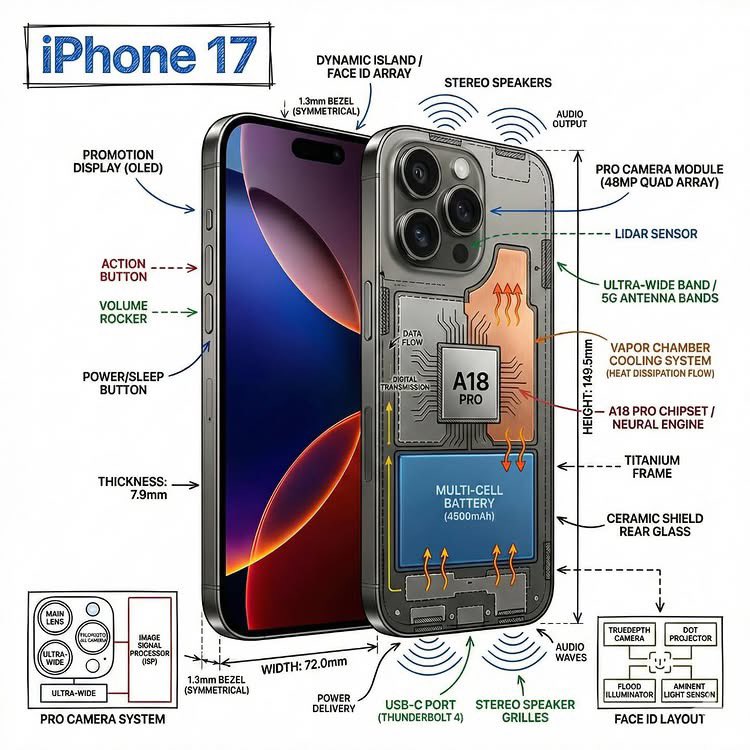
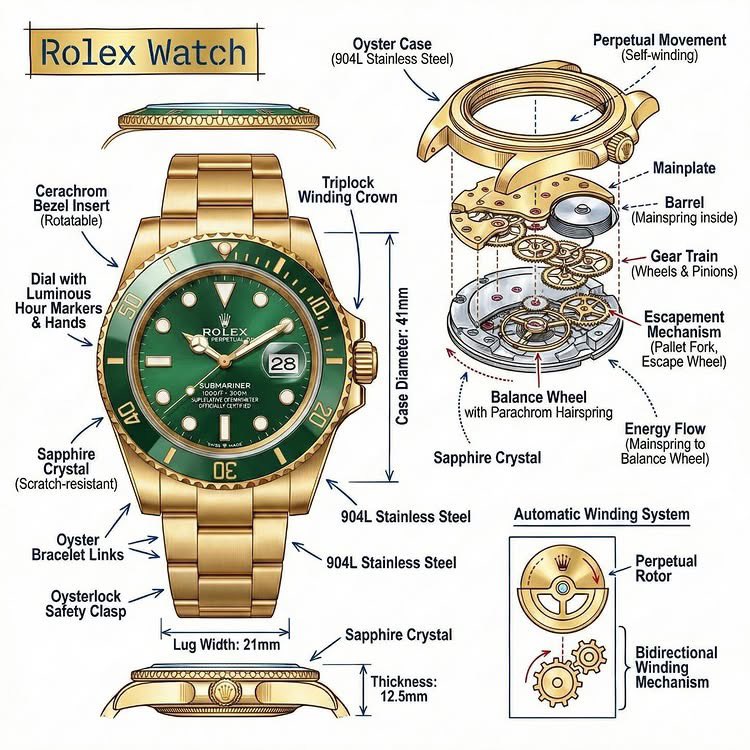
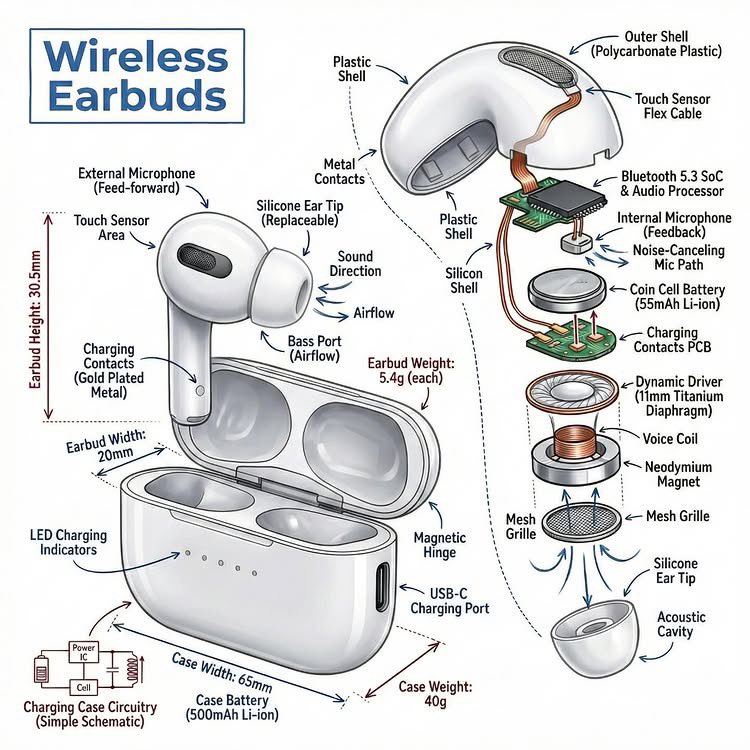
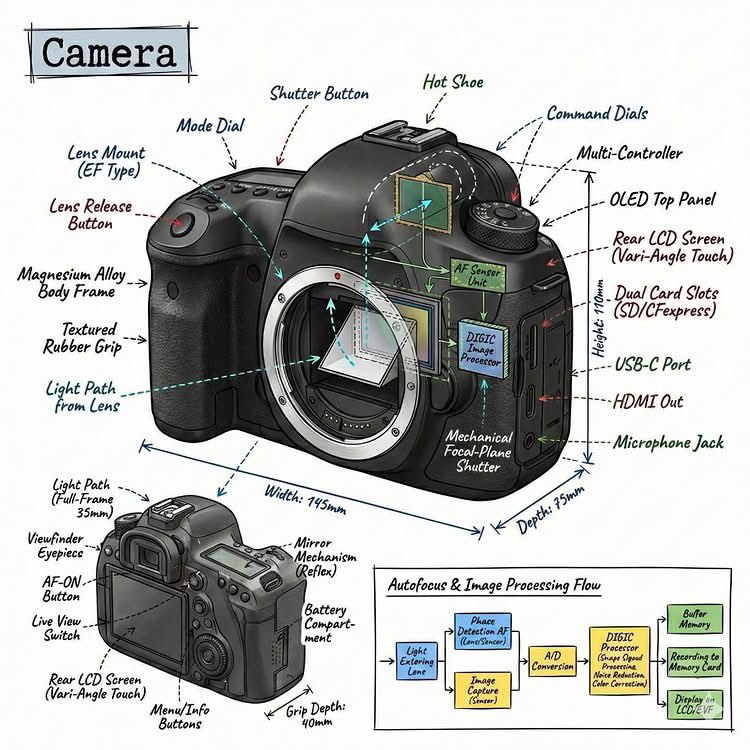
Infographic Image OF Subject, Combining A Realistic Photograph OR Photorealistic
Use Cases
- Suitable for Product & Brand AI image generation workflows, with reusable structure for fast iteration.
- Best for technical infographics, teardown visuals, and blueprint-overlay compositions.
Notes
- Replace placeholders (such as
[OBJECT]and{variable}) with concrete subjects and contexts. - Keep core constraints first (composition, lighting, lens, materials), then add style modifiers gradually.
- If results become noisy, reduce prompt density and reintroduce key elements step by step.
#Product & Brand
作者@Sheldon056来源链接https://x.com/Sheldon056/status/2015982694228975977
Prompt 模板
Create an infographic image of [OBJECT], combining a realistic photograph or photorealistic render of the object with technical annotation overlays placed directly on top.

Use black ink–style line drawings and text (technical pen / architectural sketch look) on a pure white studio background.

Include:
•Key component labels
•Internal cutaway or exploded-view outlines (where relevant)
•Measurements, dimensions, and scale markers
•Material callouts and quantities
•Arrows indicating function, force, or flow (air, sound, power, pressure, movement)
•Simple schematic or sectional diagrams where applicable

Place the title [OBJECT] inside a hand-drawn technical annotation box in one corner.

Style & layout rules:
•The real object remains clearly visible beneath the annotations
•Annotations look hand-sketched, technical, and architectural
•Clean composition with balanced negative space
•Educational, museum-exhibit / engineering-manual vibe

Visual style:
Minimal technical illustration aesthetic.
Black linework layered over realistic imagery.
Precise but slightly hand-drawn feel.

Color palette:
Pure white background.
Black annotation lines and text only.
No colors.

Output:
1080 × 1080 resolution
Ultra-crisp
Social-feed optimized
No watermark
示例图片