Illustration & 3D
Illustration & 3D Prompt Template
Use Cases
- Suitable for Illustration & 3D AI image generation workflows, with reusable structure for fast iteration.
- Best for stable, style-consistent outputs in iterative generation.
Notes
- Replace placeholders (such as
[OBJECT]and{variable}) with concrete subjects and contexts. - Keep core constraints first (composition, lighting, lens, materials), then add style modifiers gradually.
- If results become noisy, reduce prompt density and reintroduce key elements step by step.
#Illustration & 3D
作者@firatbilal来源链接https://x.com/firatbilal/status/2029139993218740519
Prompt 模板
{
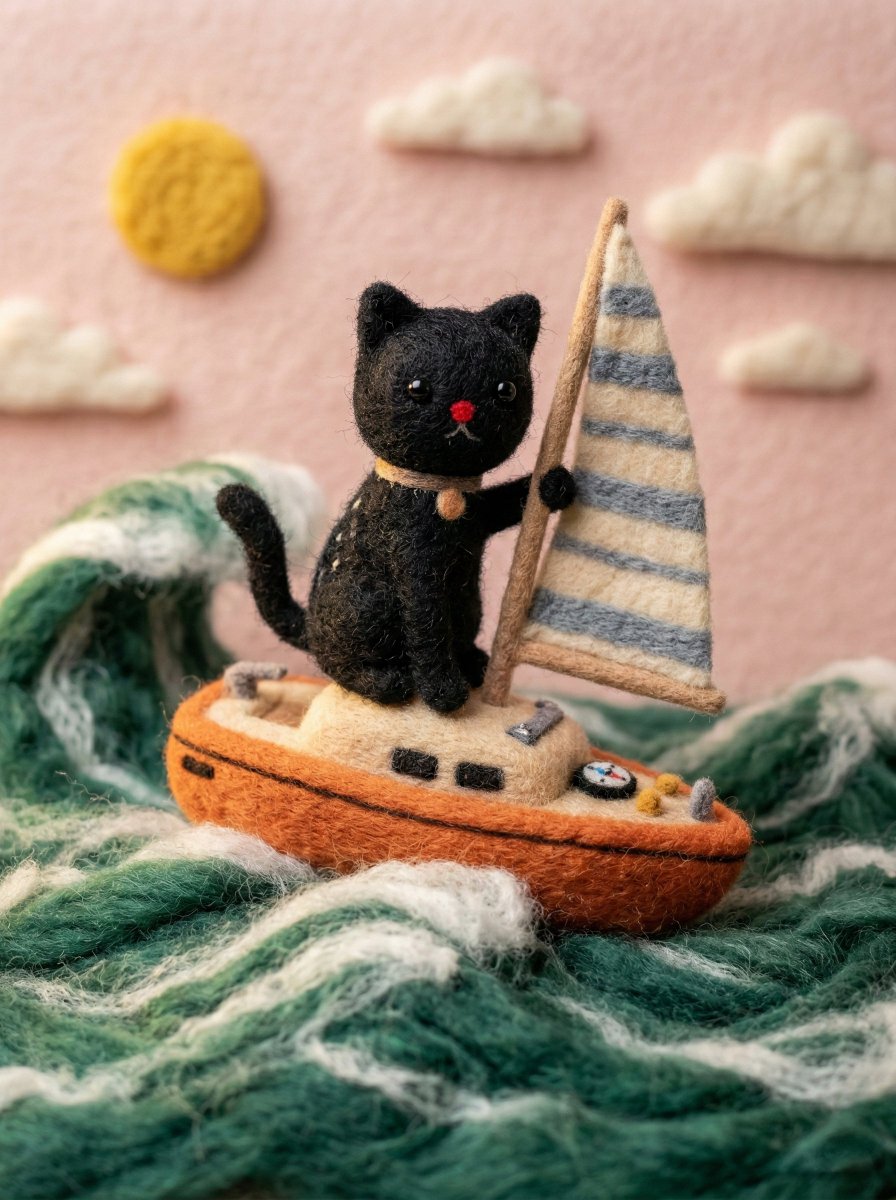
  "target_style": "Handcrafted needle-felted wool miniature",
  "texture_properties": {
    "material": "organic roving wool, fuzzy fibers, soft tactile felt",
    "details": "visible needle-punch textures, soft fuzzy surface, handcrafted seams",
    "eyes": "small black bead eyes or simple felted circles"
  },
  "adaptation_rules": {
    "proportions": "stylized, slightly oversized head, simplified limbs, cute aesthetic",
    "color_palette": "retain original colors from source image but soften with wool texture",
    "clothing": "simplified felt versions of the original outfits, tiny fabric buttons, stitched details",
    "accessories": "replicate key items from source as miniature felted props"
  },
  "environment": {
    "camera": "macro photography, close-up shot",
    "lighting": "soft studio lighting, warm highlights, gentle shadows",
    "background": "clean, out-of-focus bokeh background, neutral craft studio setting",
    "depth_of_field": "shallow depth of field (f/2.8)"
  },
  "rendering_engine_hints": "high fidelity, 8k, photorealistic wool texture, Pixar-like character charm"
}示例图片