UI & Graphic
Whimsical, Playful Illustration Featuring Subject AS The Central Focus.
Use Cases
- Suitable for UI & Graphic AI image generation workflows, with reusable structure for fast iteration.
- Best for stable, style-consistent outputs in iterative generation.
Notes
- Replace placeholders (such as
[OBJECT]and{variable}) with concrete subjects and contexts. - Keep core constraints first (composition, lighting, lens, materials), then add style modifiers gradually.
- If results become noisy, reduce prompt density and reintroduce key elements step by step.
#UI & Graphic
Author@aleenaamiirSource URLhttps://x.com/aleenaamiir/status/2020791306197561403
Prompt Template
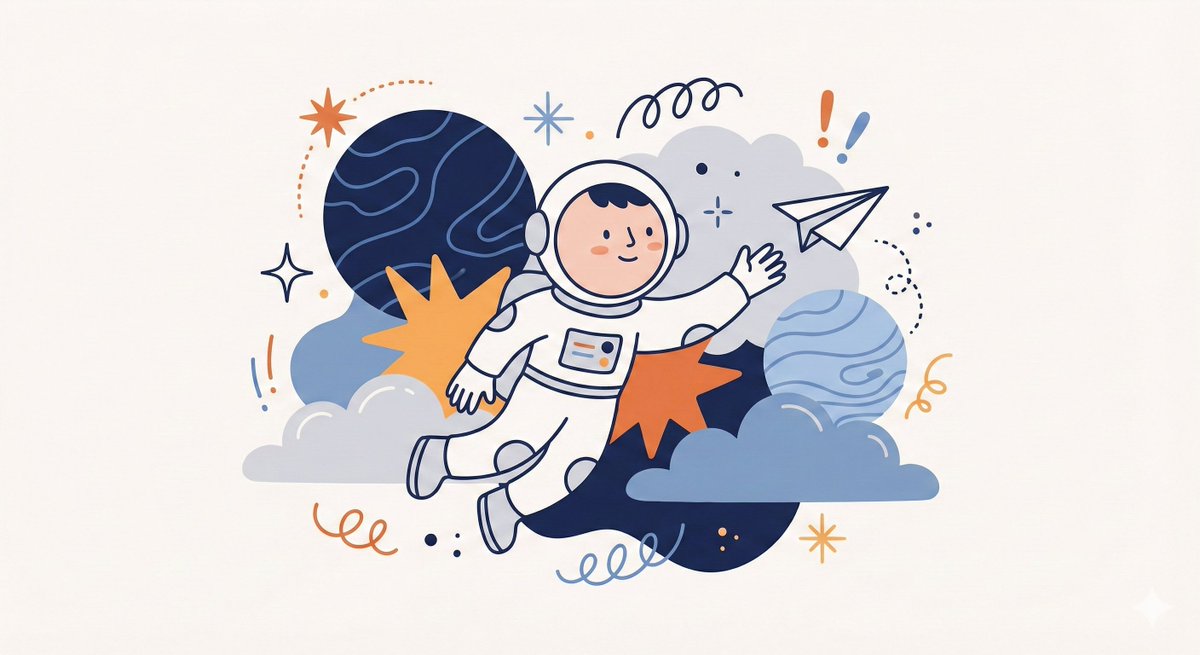
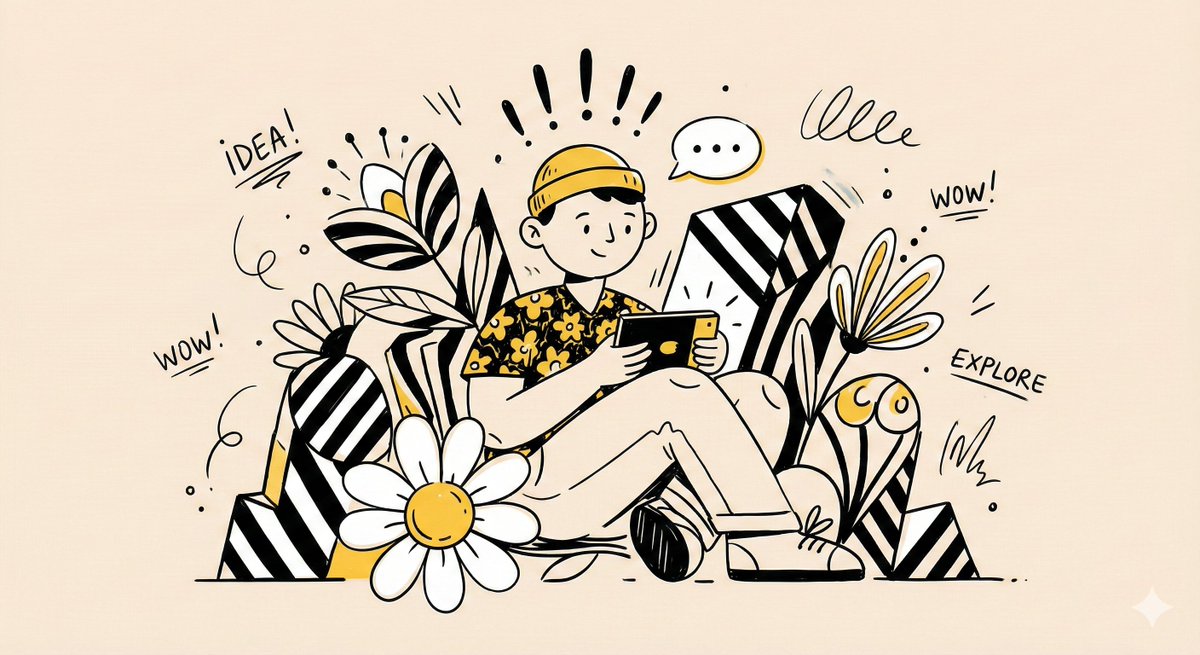
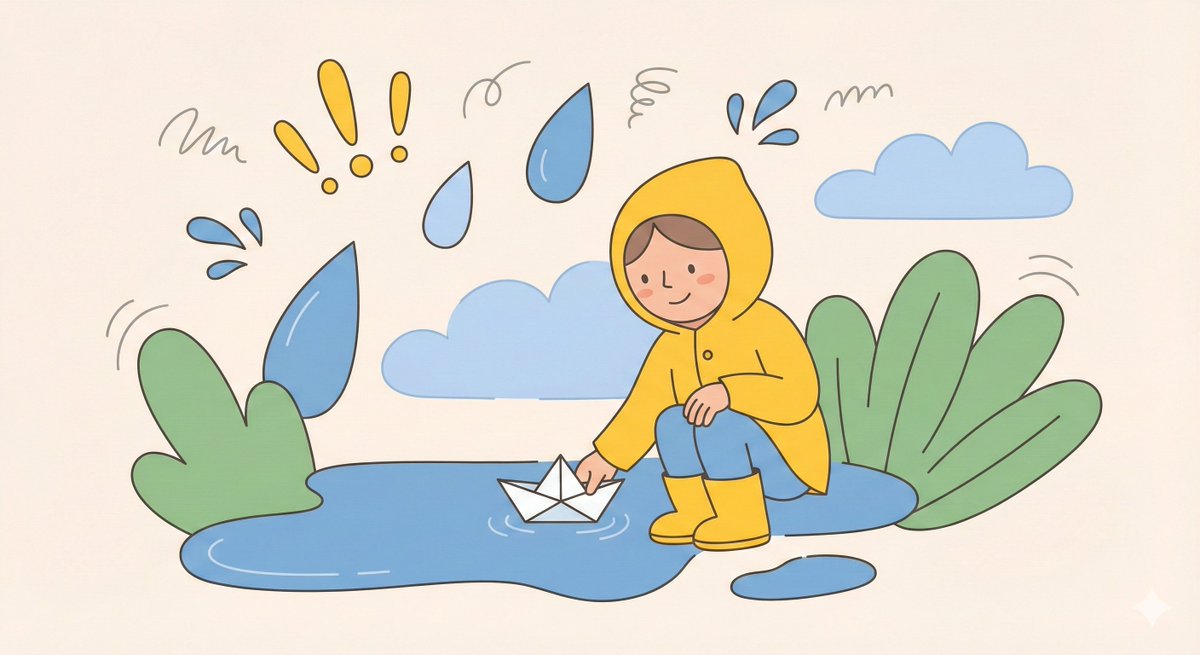
Create a whimsical, playful illustration featuring [CHARACTER / SUBJECT] as the central focus.
The character is drawn with simplified features, a small rounded head, and minimal facial detail, wearing [HEADWEAR / CLOTHING DESCRIPTION].

They are positioned among oversized abstract shapes and organic elements such as [FLORAL / SYMBOLIC OBJECTS], creating a sense of imaginative scale. The character is interacting with [OBJECT / ACTION], adding narrative interest.

Decorative graphic elements like [SYMBOLS: exclamation points, speech bubbles, scribbles, notes, etc.] float around the subject to enhance expression and energy.

Use clean, simple linework and a limited color palette of [PRIMARY COLORS], keeping the illustration bold and cohesive. The background is a soft neutral tone such as beige or off-white. The overall style is modern, flat, and illustrative, with a lively, creative, and slightly abstract atmosphere.
Sample Images