Product & Brand
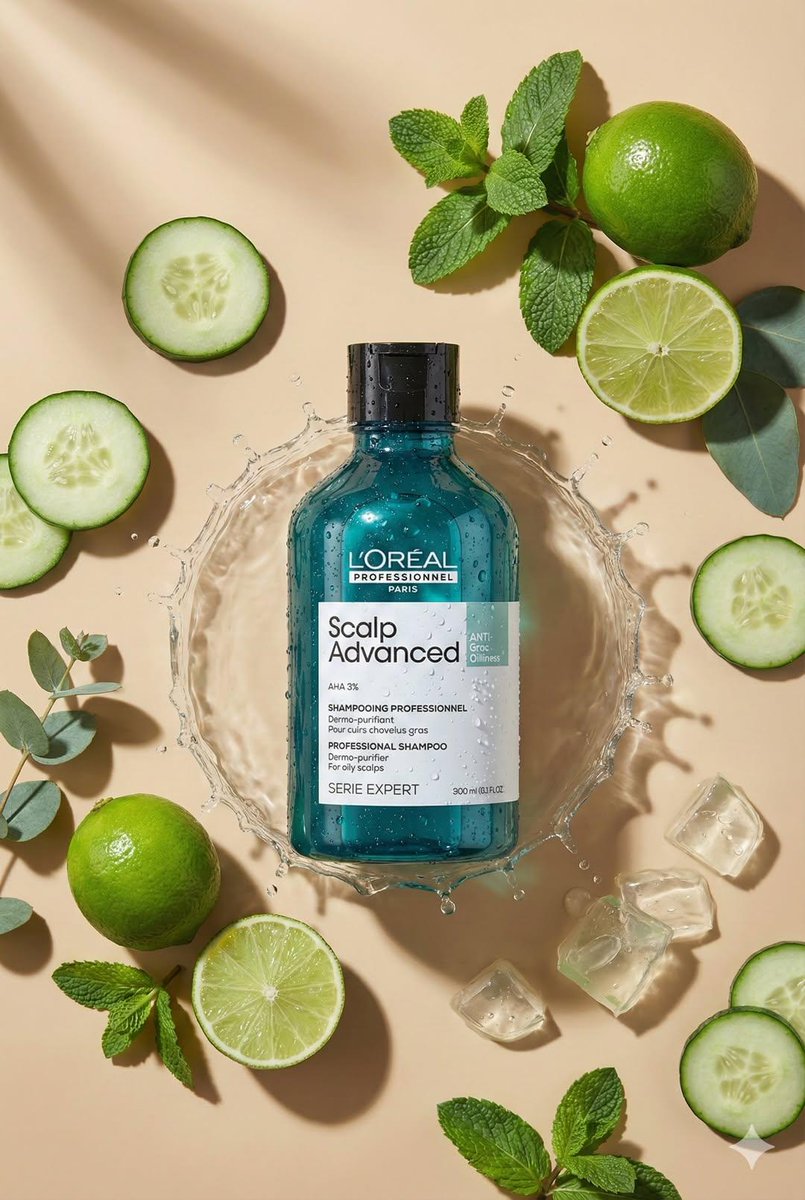
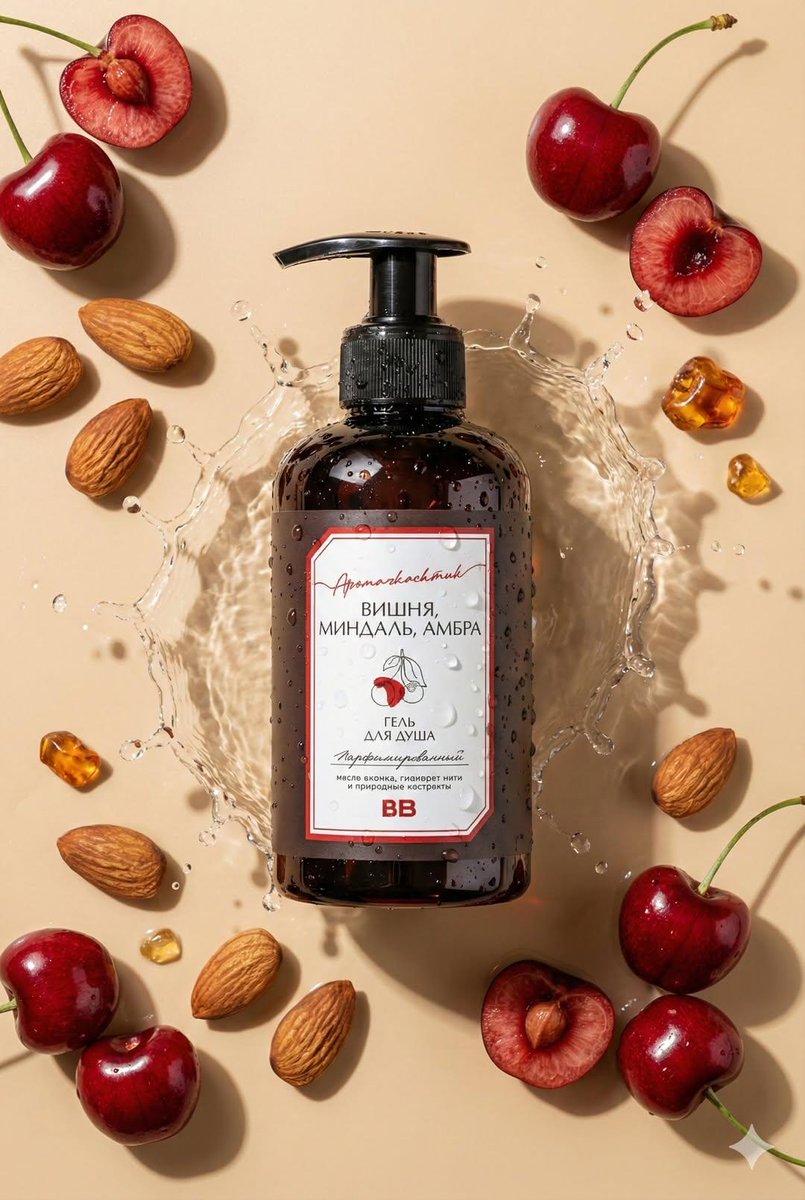
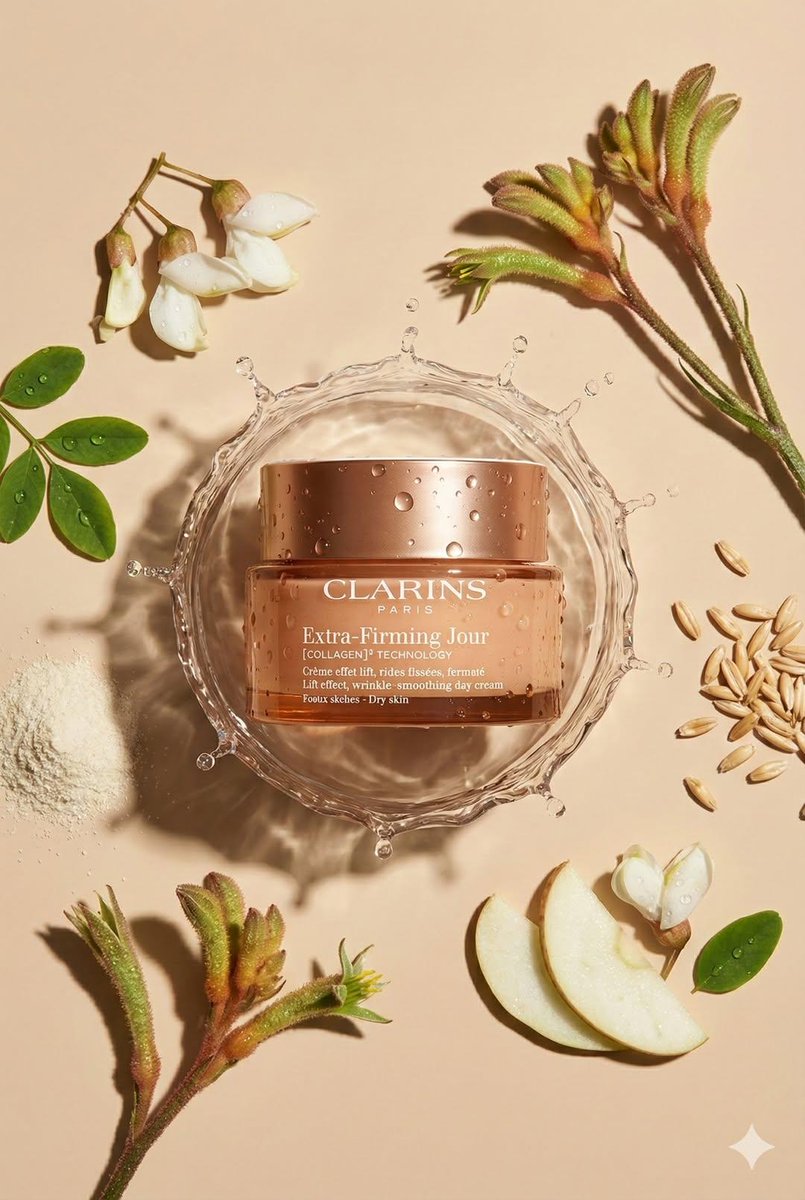
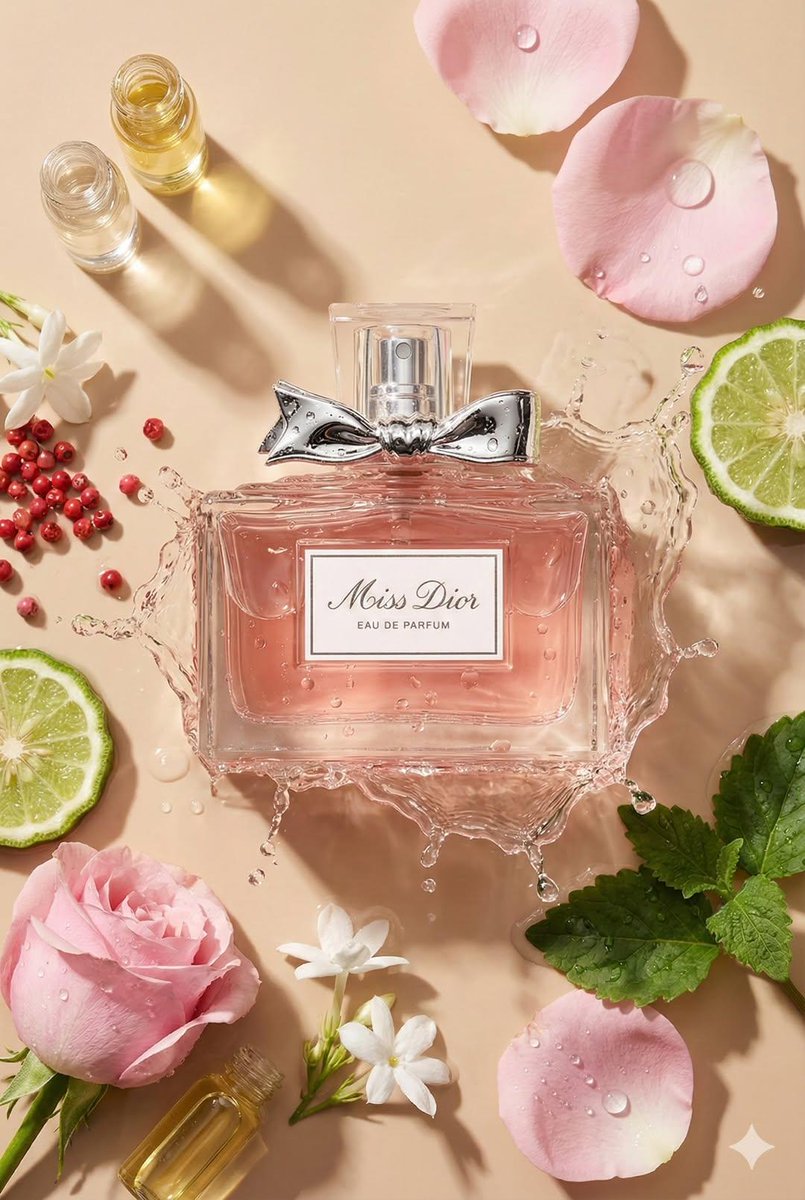
Top-down Flat Lay Product Photo. Use The Uploaded Product AS
Use Cases
- Suitable for Product & Brand AI image generation workflows, with reusable structure for fast iteration.
- Best for product hero shots, packaging proposals, and brand campaign visuals.
Notes
- Replace placeholders (such as
[OBJECT]and{variable}) with concrete subjects and contexts. - Keep core constraints first (composition, lighting, lens, materials), then add style modifiers gradually.
- If results become noisy, reduce prompt density and reintroduce key elements step by step.
#Product & Brand
Author@oggii_0Source URLhttps://x.com/oggii_0/status/2015992913000595614
Prompt Template
Create top-down flat lay product photo. Use the uploaded product as the main object, centered. Analyze the product type from the photo and automatically choose matching props/ingredients for an aesthetic flat lay around it (minimal, premium, on-brand). Preserve exact geometry, size, colors, label design, and all text on the product (no changes). Warm beige seamless background, soft directional sunlight, crisp realistic shadow.
Ultra-realistic macro product photography, 100mm lens look, f/8, sharp focus, clean composition, no extra text, 8k, format 2:3.
Sample Images