Photography
Photography Prompt Template
Use Cases
- Suitable for Photography AI image generation workflows, with reusable structure for fast iteration.
- Best for stable, style-consistent outputs in iterative generation.
Notes
- Replace placeholders (such as
[OBJECT]and{variable}) with concrete subjects and contexts. - Keep core constraints first (composition, lighting, lens, materials), then add style modifiers gradually.
- If results become noisy, reduce prompt density and reintroduce key elements step by step.
#Photography
Author@2abhisheknaksSource URLhttps://x.com/2abhisheknaks/status/2008113093117894773
Prompt Template
{
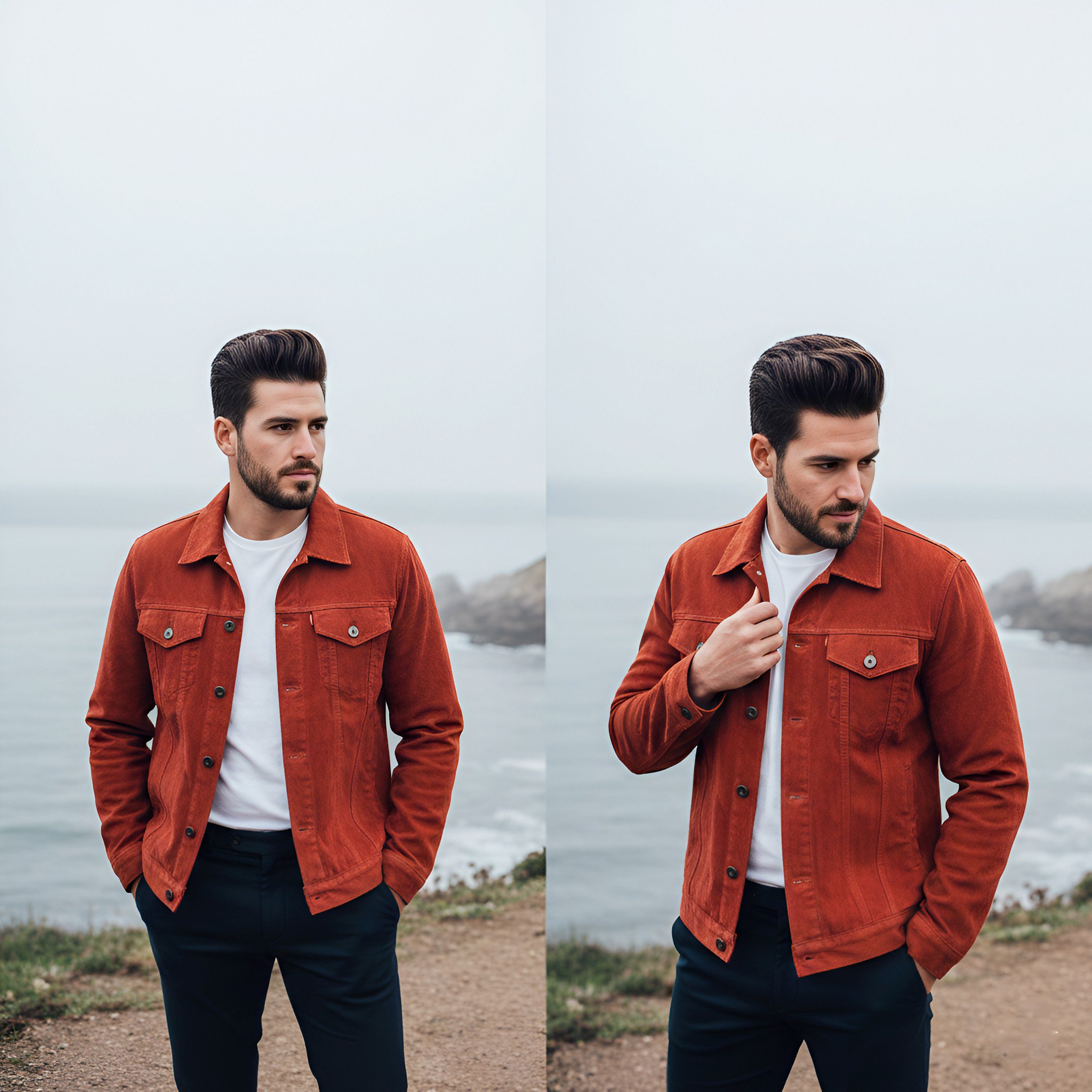
  "image_description": "A high-quality side-by-side comparison of a handsome man posing on a coastal cliffside.",
  "subject": {
    "gender": "male",
    "appearance": "mid-30s, well-groomed beard, thick dark hair styled in a modern voluminous pompadour",
    "poses": [
      "standing with hands in pockets looking away from the camera",
      "standing with one hand adjusting the collar of his jacket"
    ]
  },
  "outfit": {
    "outerwear": "burnt orange or rust-colored corduroy trucker jacket with metal buttons",
    "base_layer": "crisp white crew-neck t-shirt",
    "bottoms": "dark navy blue or black slim-fit trousers"
  },
  "setting": {
    "location": "rugged coastal cliff overlooking the ocean",
    "background": "misty horizon, calm sea, rocky shoreline",
    "lighting": "overcast, soft diffused natural light, moody atmospheric fog"
  },
  "technical_details": {
    "camera_angle": "eye-level medium shot",
    "composition": "diptych (two images side-by-side)",
    "aesthetic": "lifestyle photography, cinematic color grading, shallow depth of field with soft background bokeh"
  }
}Sample Images