Photography
Photography Prompt Template
Use Cases
- Suitable for Photography AI image generation workflows, with reusable structure for fast iteration.
- Best for stable, style-consistent outputs in iterative generation.
Notes
- Replace placeholders (such as
[OBJECT]and{variable}) with concrete subjects and contexts. - Keep core constraints first (composition, lighting, lens, materials), then add style modifiers gradually.
- If results become noisy, reduce prompt density and reintroduce key elements step by step.
#Photography
Author@TheNewz_816Source URLhttps://x.com/TheNewz_816/status/2009215763937415243
Prompt Template
{
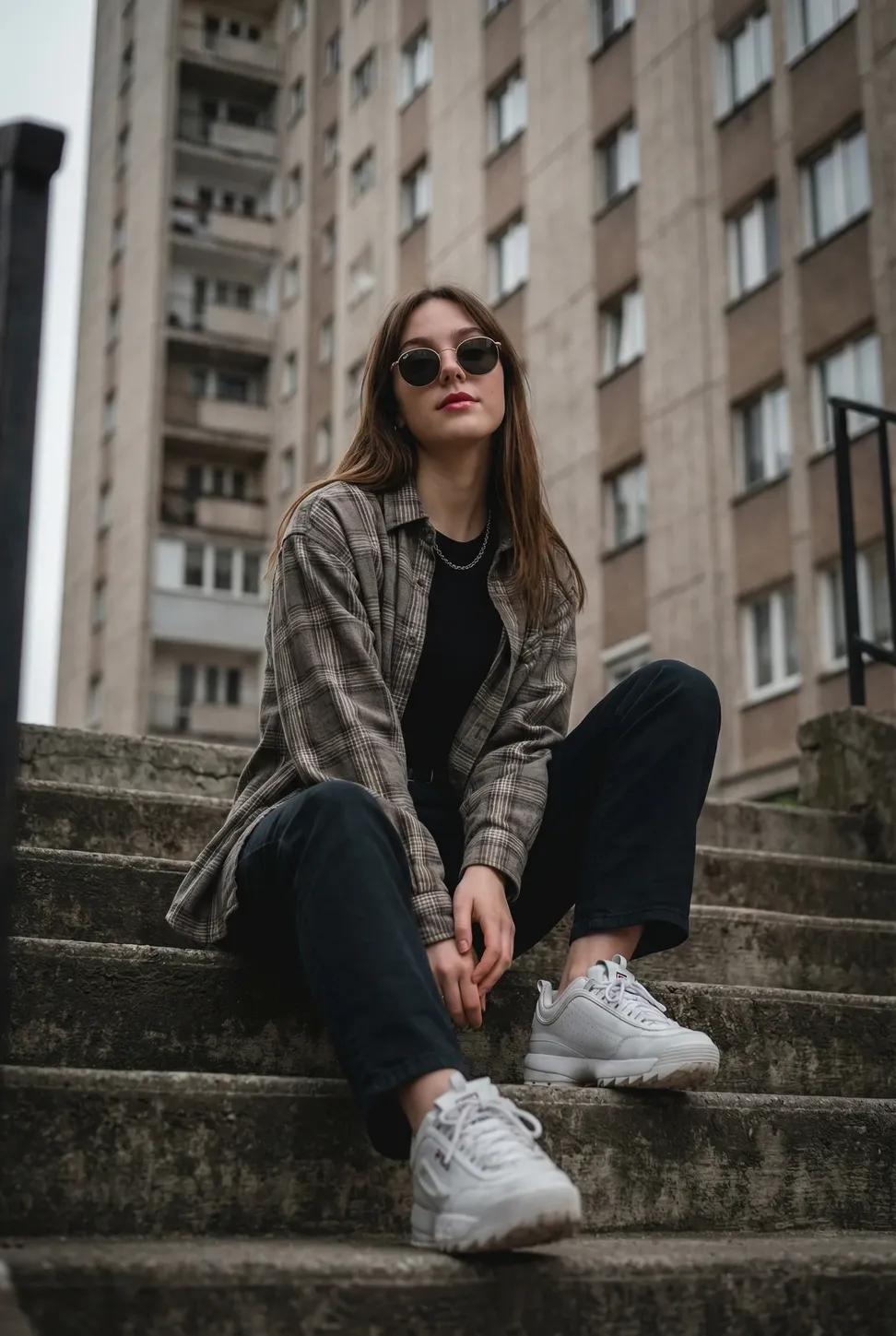
  "subject": "Young woman sitting casually on outdoor concrete stairs, posing with a cool, confident demeanor.",
  "clothing": "Oversized grey and beige plaid flannel shirt worn open, plain black crew-neck t-shirt underneath, loose-fitting dark trousers, chunky white sneakers.",
  "hair": "Long, straight light brown hair with a middle part, falling naturally over the shoulders.",
  "face": "Neutral, poised expression with defined red lips, eyes concealed behind sunglasses.",
  "accessories": "Round dark sunglasses with thin metal frames, simple silver chain necklace.",
  "environment": "Urban setting with a tall, grey concrete apartment block featuring a grid of windows in the background, weathered concrete steps in the foreground.",
  "lighting": "Soft, diffuse natural daylight indicative of an overcast sky, creating even illumination without harsh shadows.",
  "camera": "Low-angle shot looking up at the subject, emphasizing the height of the background building, sharp focus on the subject with a slightly softened background.",
  "style": "Urban streetwear photography, 90s grunge aesthetic, moody and atmospheric, cinematic vertical composition."
}Sample Images