Photography
Photography Prompt Template
Use Cases
- Suitable for Photography AI image generation workflows, with reusable structure for fast iteration.
- Best for portrait, fashion, and social campaign imagery.
Notes
- Replace placeholders (such as
[OBJECT]and{variable}) with concrete subjects and contexts. - Keep core constraints first (composition, lighting, lens, materials), then add style modifiers gradually.
- If results become noisy, reduce prompt density and reintroduce key elements step by step.
#Photography
Author@tabu_8114Source URLhttps://x.com/tabu_8114/status/2018218587811709107
Prompt Template
{
  "image": {
    "general": {
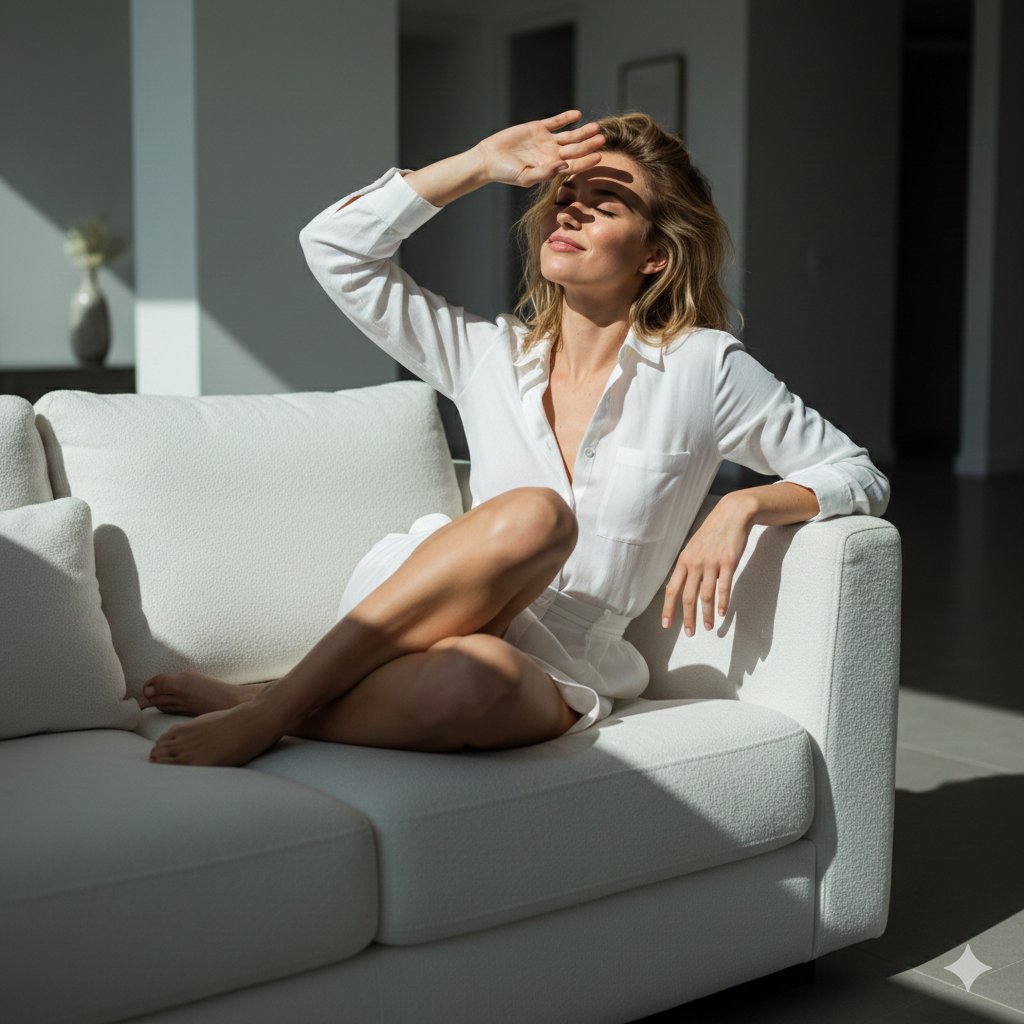
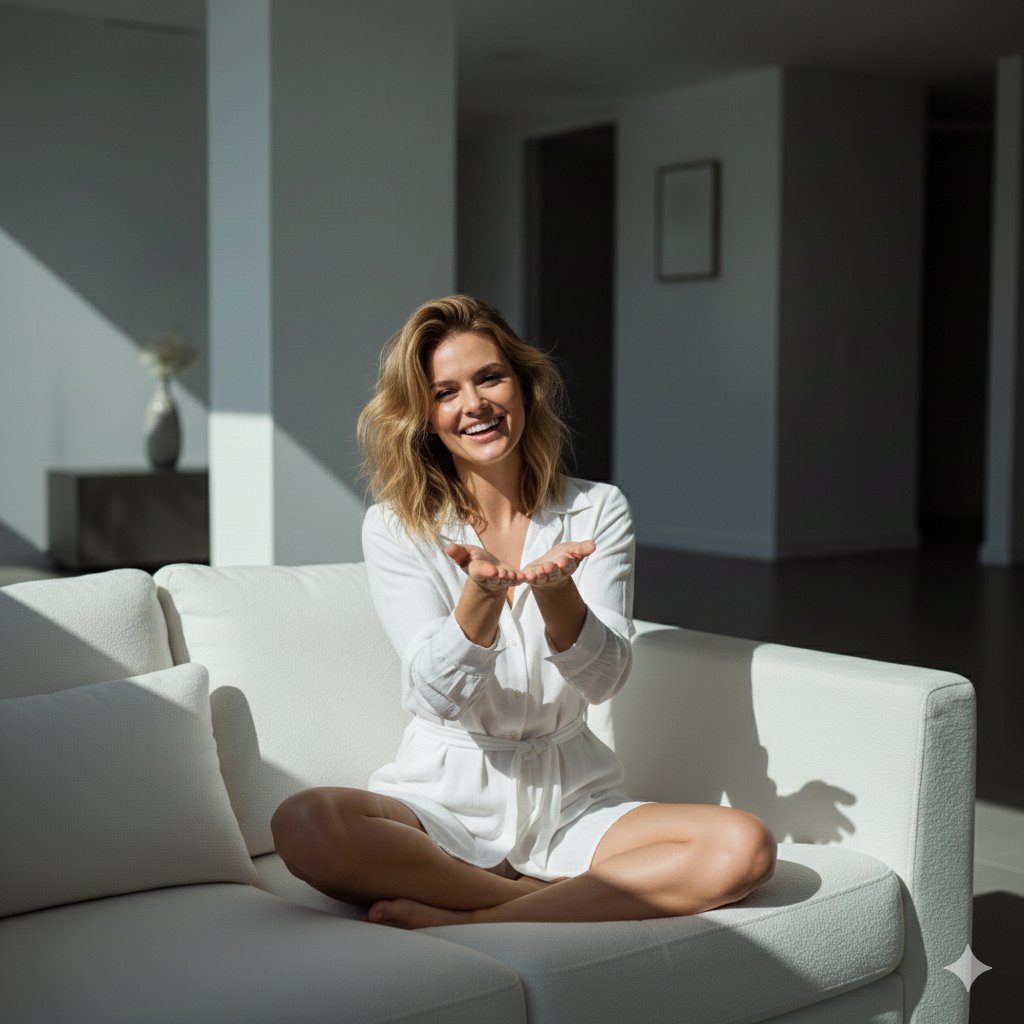
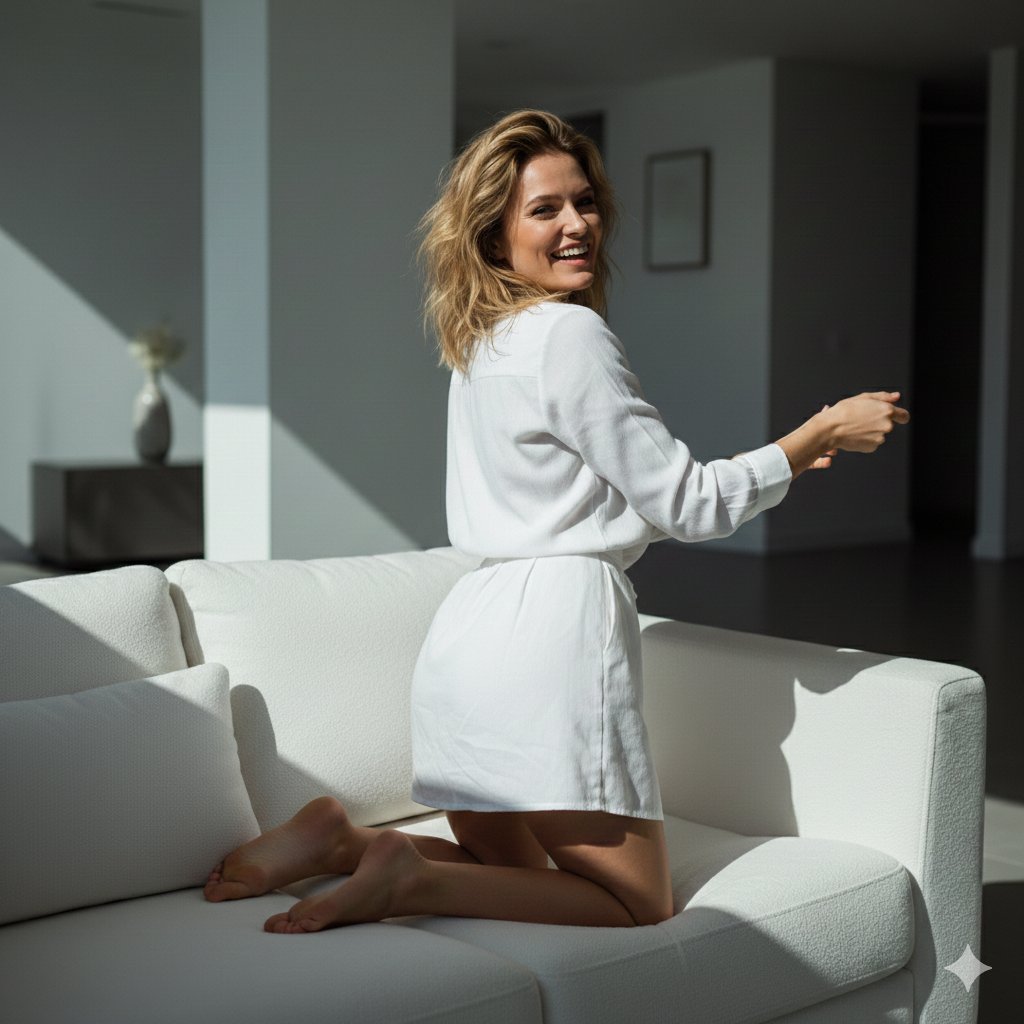
      "style": "photorealistic",
      "mood": "candid, playful",
      "lighting": {
        "type": "natural",
        "intensity": "harsh",
        "effect": {
          "high_contrast": true,
          "highlights": {
            "intensity": "strong",
            "focus": "on the subject and couch"
          },
          "shadows": {
            "intensity": "deep",
            "focus": "on the subject, couch"
          }
        }
      },
      "image_ratio": "3:4"
    },
    "scene": {
      "location": {
        "type": "indoor",
        "style": "modern living room",
        "elements": {
          "sofa": {
            "type": "plush",
            "color": "white",
            "texture": "soft, luxurious"
          },
          "lighting_source": {
            "type": "sunlight",
            "direction": "streaming from a large window",
            "effect": "bright and direct"
          },
          "room_features": [
            "minimalistic decor",
            "large windows",
            "open space with natural light"
          ]
        }
      }
    },
    "subject": {
      "identity": {
"name": "England modelSample Images