Photography
Panels Are Not Edge-to-edge
Use Cases
- Suitable for Photography AI image generation workflows, with reusable structure for fast iteration.
- Best for stable, style-consistent outputs in iterative generation.
Notes
- Replace placeholders (such as
[OBJECT]and{variable}) with concrete subjects and contexts. - Keep core constraints first (composition, lighting, lens, materials), then add style modifiers gradually.
- If results become noisy, reduce prompt density and reintroduce key elements step by step.
#Photography
Author@Kashberg_0Source URLhttps://x.com/Kashberg_0/status/2029370003485802945
Prompt Template
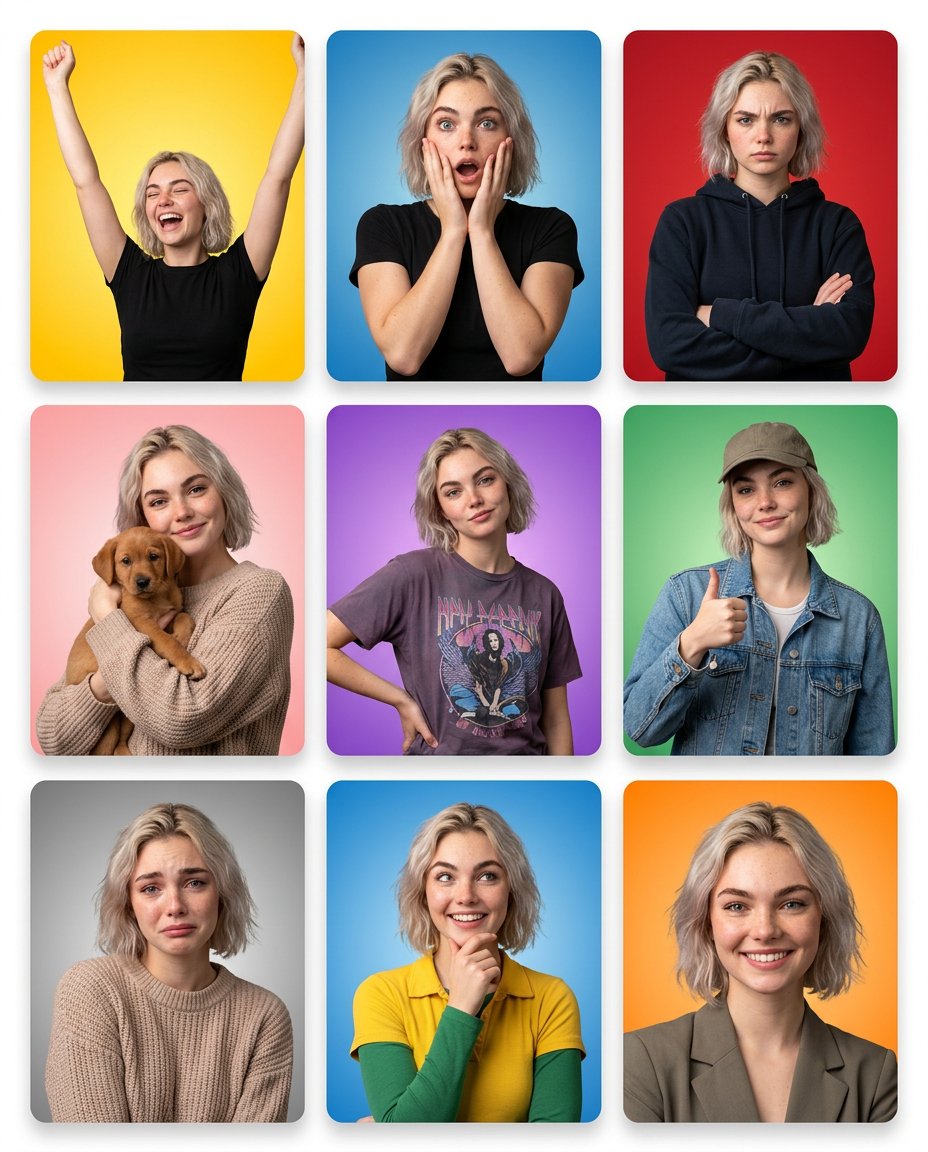
Panels are NOT edge-to-edge
Visible thin white spacing between panels Subtle outer white margin around the entire grid clean modern UI-style layout
Slight rounded corners on each tile
Panel 1 — Joyful / Celebratory (Yellow) Bright yellow gradient background
Arms raised
Eyes closed
Big open laugh
Energetic posture
Panel 2 — Shocked (Blue)
Blue gradient background
Hands on cheeks
Wide eyes
Open mouth
Raised brows
Panel 3 — Serious / Stern (Red)
Red background
Arms crossed
Furrowed brows
Neutral tight lips
Wearing dark hoodie
Panel 4 — Affectionate (Pink)
Soft pink gradient
Holding small brown puppy
Gentle smile
Cozy knit sweater
Panel 5 — Confident / Sassy (Purple)
Purple gradient background
One hand on hip
Slight smirk
Graphic t-shirt
Relaxed stance
Panel 6 — Friendly / Casual Approval (Green)
Green gradient background
Wearing cap + denim jacket
Thumbs-up
Relaxed smile
Panel 7 — Sad / Emotional (Gray)
Gray gradient background
Slight downward gaze
Eyebrows slightly raised in center
Lips slightly curved downward
Sample Images