Illustration & 3D
<instructions>
Use Cases
- Suitable for Illustration & 3D AI image generation workflows, with reusable structure for fast iteration.
- Best for stable, style-consistent outputs in iterative generation.
Notes
- Replace placeholders (such as
[OBJECT]and{variable}) with concrete subjects and contexts. - Keep core constraints first (composition, lighting, lens, materials), then add style modifiers gradually.
- If results become noisy, reduce prompt density and reintroduce key elements step by step.
#Illustration & 3D
Author@GdgtifySource URLhttps://x.com/Gdgtify/status/2011078781965156356
Prompt Template
<instructions>
Input: famous person
Analyze their public persona, values, strengths, weaknesses, and how they “show up” in stories about them.
Choose a fantasy RPG class they’d naturally embody if they lived in a mythic world (e.g., battle strategist → tactician, performer → bard, visionary → mage).
Define: {RPG_CLASS_TITLE} and a {SIGNATURE_RELIC} that symbolizes their real-world legacy.

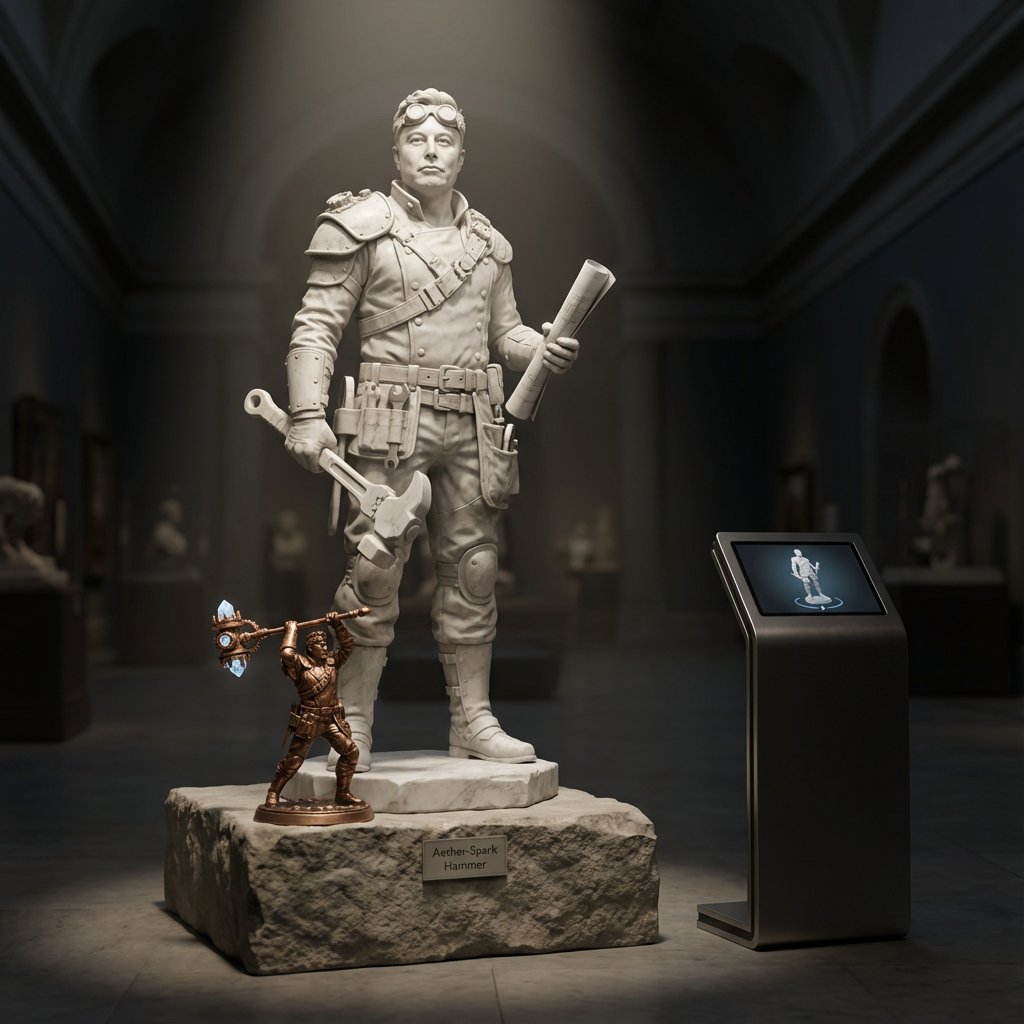
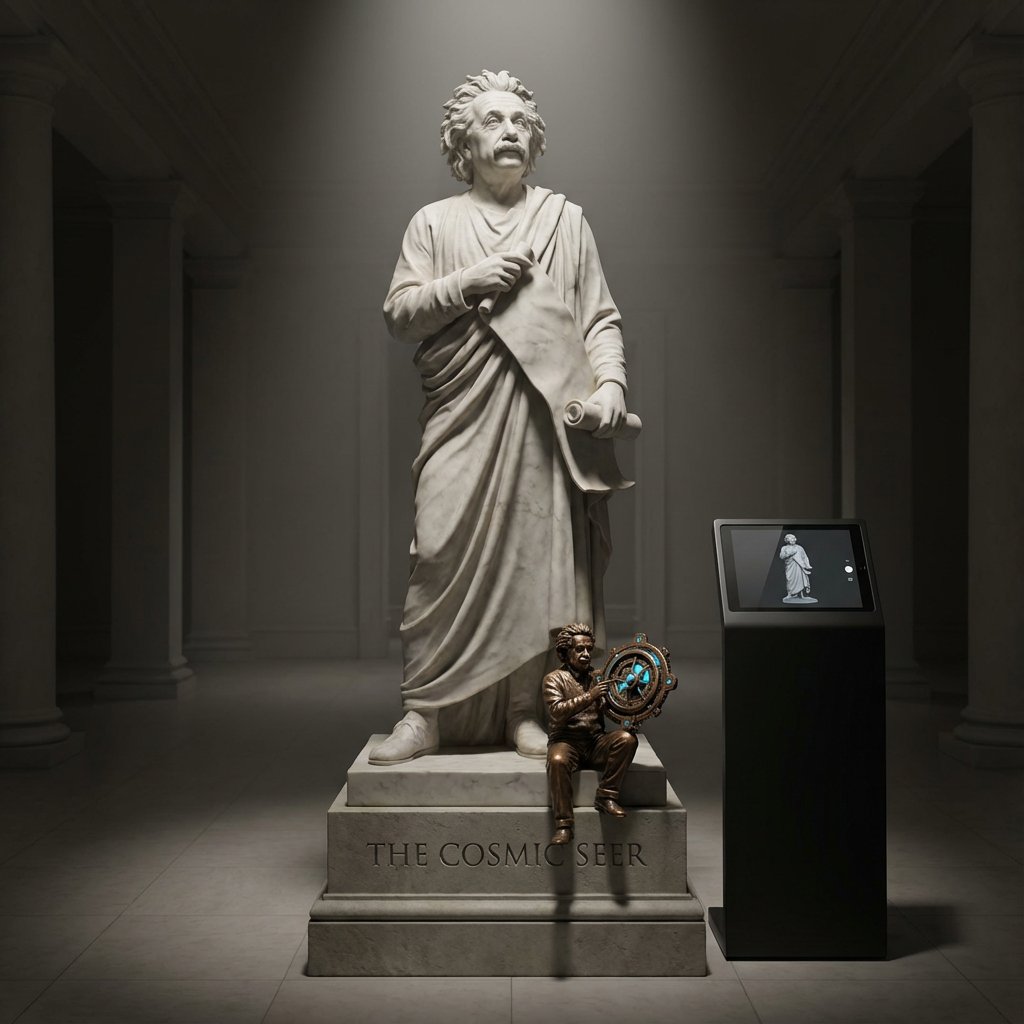
Draw: life size marble statue of {RPG_CLASS_TITLE}, clearly identifiable as the famous person from the reference photo,  standing on a plinth in a dark museum hall.
• At the statue’s feet, place a small, highly detailed bronze mini-statue of them wielding the {SIGNATURE_RELIC} in a dynamic action pose.
• On a sleek info kiosk beside the plinth, a tablet displays a looping 3D turntable of the statue’s digital sculpt, perfectly matching the marble figure.

Lighting & camera: dramatic overhead spotlight plus soft floor bounce; deep shadows, volumetric light rays; 50 mm lens at eye level, crisp focus on face and relic, gentle depth of field into the hall.
Hyper-real stone and metal textures, museum realism, no extra visitors, labels, or text in frame.
</instructions>Sample Images