UI & Graphic
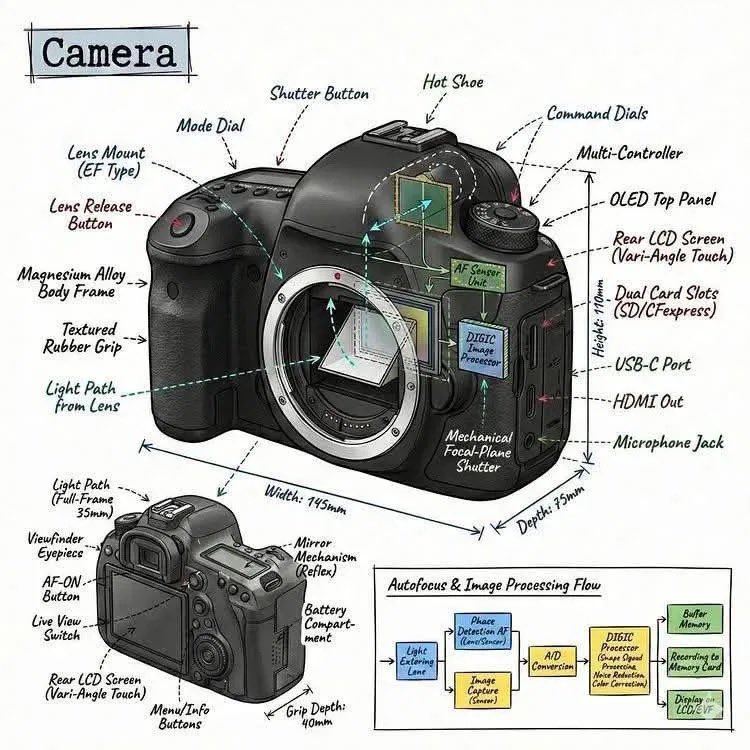
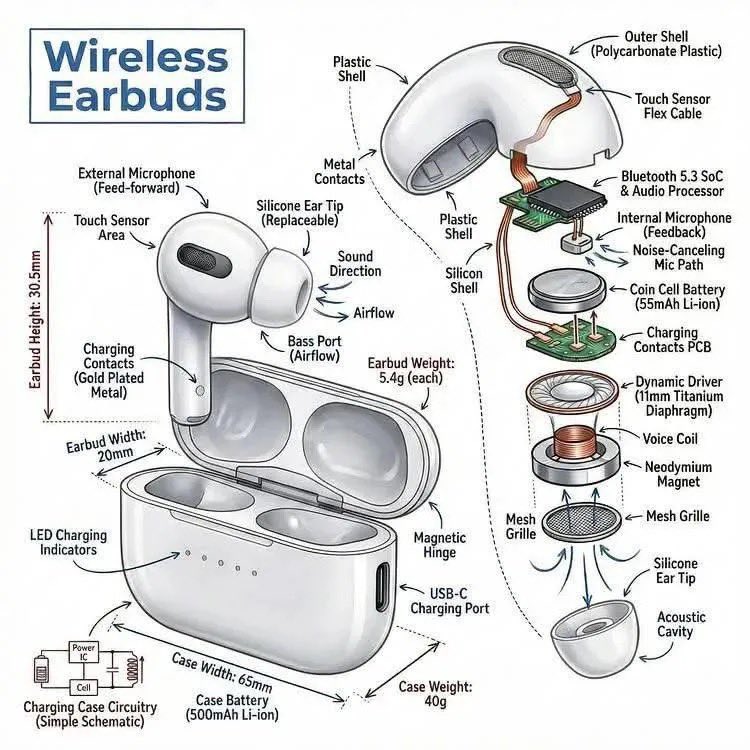
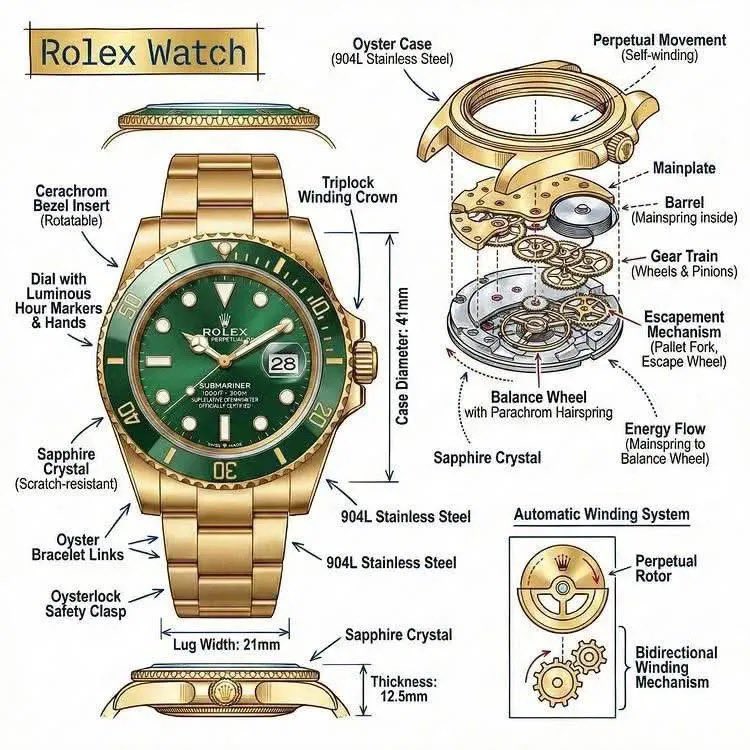
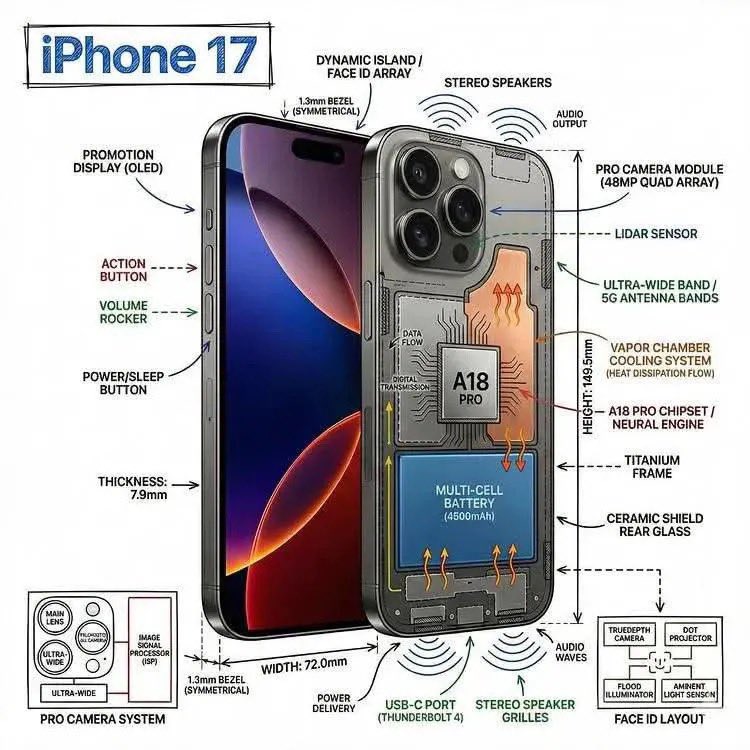
Infographic Image OF Subject, Combining A Realistic Photograph OR Photorealistic
Use Cases
- Suitable for UI & Graphic AI image generation workflows, with reusable structure for fast iteration.
- Best for technical infographics, teardown visuals, and blueprint-overlay compositions.
Notes
- Replace placeholders (such as
[OBJECT]and{variable}) with concrete subjects and contexts. - Keep core constraints first (composition, lighting, lens, materials), then add style modifiers gradually.
- If results become noisy, reduce prompt density and reintroduce key elements step by step.
#UI & Graphic
Author@gudanglifehackSource URLhttps://x.com/gudanglifehack/status/2038346918406115788
Prompt Template
Create an infographic image of [OBJECT], combining a realistic photograph or photorealistic render of the object with technical annotation overlays placed directly on top. Use black ink–style line drawings and text (technical pen / architectural sketch look) on a pure white studio background. Include: •Key component labels •Internal cutaway or exploded-view outlines (where relevant) •Measurements, dimensions, and scale markers •Material callouts and quantities
Sample Images