Food & Drink
Food & Drink Prompt Template
Use Cases
- Suitable for Food & Drink AI image generation workflows, with reusable structure for fast iteration.
- Best for stable, style-consistent outputs in iterative generation.
Notes
- Replace placeholders (such as
[OBJECT]and{variable}) with concrete subjects and contexts. - Keep core constraints first (composition, lighting, lens, materials), then add style modifiers gradually.
- If results become noisy, reduce prompt density and reintroduce key elements step by step.
#Food & Drink
Author@Taaruk_Source URLhttps://x.com/Taaruk_/status/2016421696299991337
Prompt Template
{
  "image_prompt": {
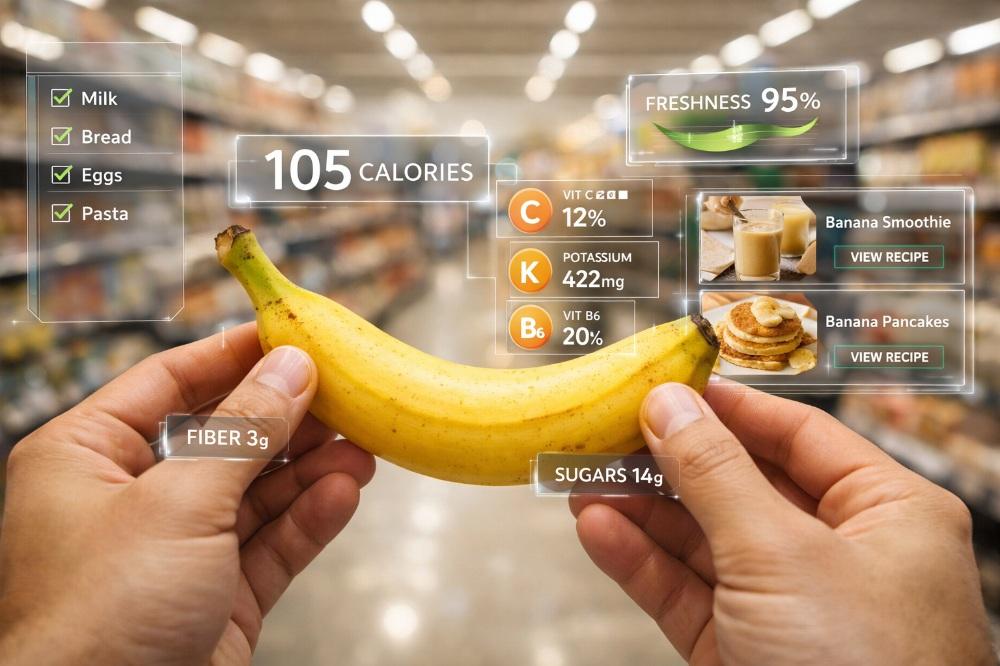
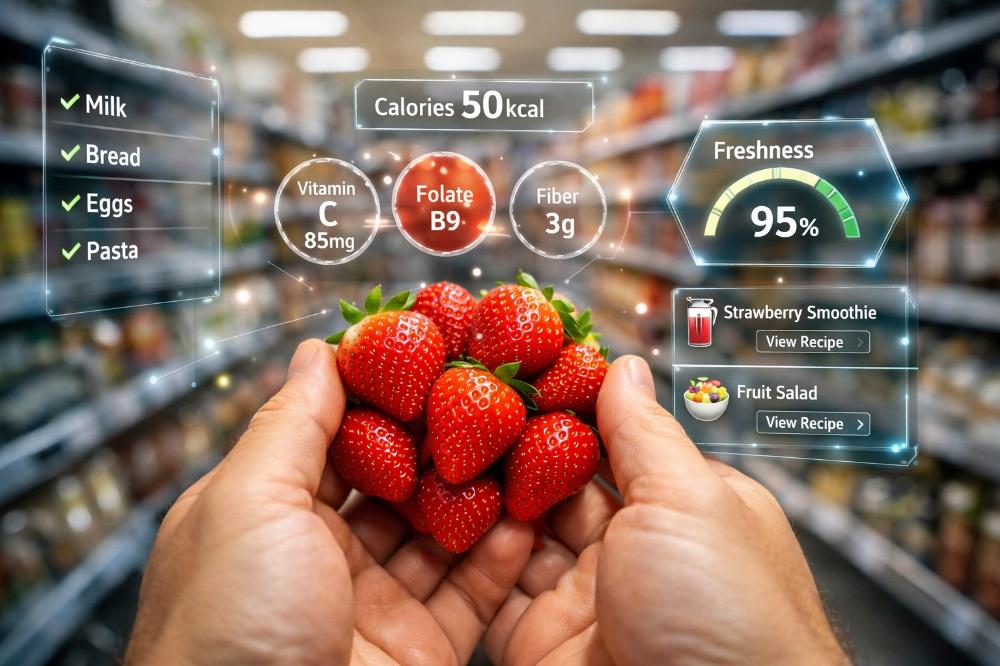
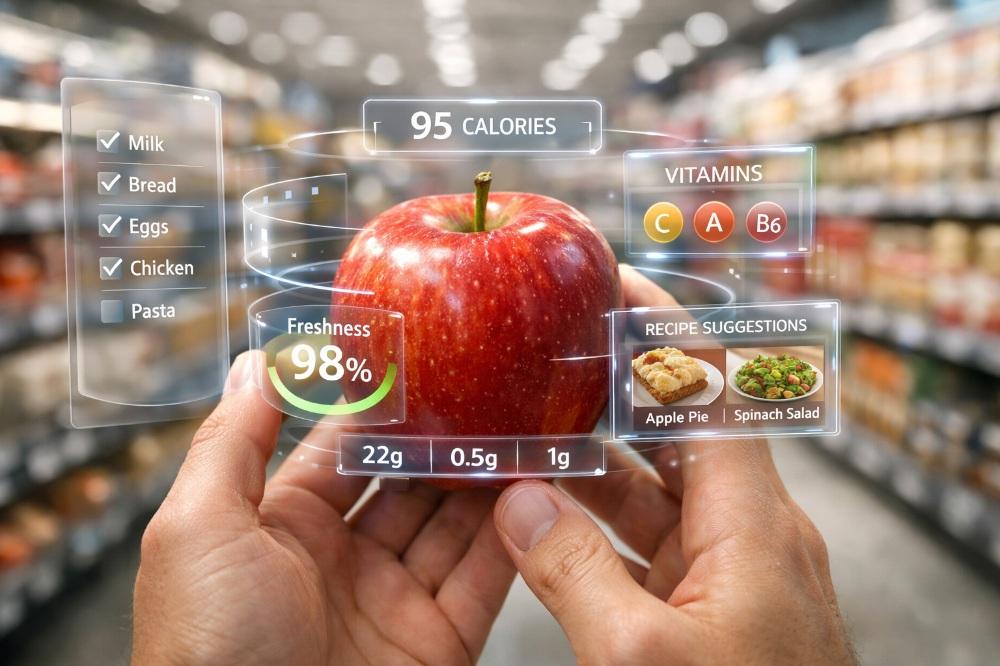
    "viewpoint": "Realistic first-person view (FPV)",
    "action": "Person holding fresh fruit in their hands",
    "subject_variations": [
      "Banana",
      "Strawberries",
      "Apple"
    ],
    "environment": {
      "location": "Modern supermarket aisle",
      "background": "Blurred grocery shelves",
      "lighting": "Bright commercial lighting"
    },
    "augmented_reality_hud": {
      "overlay_style": "Clean sci-fi interface, soft glow, glass-like UI elements",
      "data_display": [
        "Nutritional data (calories, vitamins, fiber, sugars, potassium)",
        "Freshness percentage",
        "Health indicators"
      ],
      "ui_panels": [
        "Checklist items (milk, bread, eggs, pasta)",
        "Recipe suggestions",
        "Smoothie options",
        "Vitamin icons"
      ],
      "visual_effects": "Subtle light particles, depth-aware AR placement"
    },
    "technical_specs": {
      "style": "Ultra-realistic photography blended with futuristic AR technology",
      "aesthetic": "Modern health-tech",
      "focus": "Sharp focus on hands and fruit, shallow depth of field",
      "resolution": "8K",
      "realism": "Cinematic realism"
    }
  }
}Sample Images