Food & Drink
Food & Drink Prompt Template
Use Cases
- Suitable for Food & Drink AI image generation workflows, with reusable structure for fast iteration.
- Best for stable, style-consistent outputs in iterative generation.
Notes
- Replace placeholders (such as
[OBJECT]and{variable}) with concrete subjects and contexts. - Keep core constraints first (composition, lighting, lens, materials), then add style modifiers gradually.
- If results become noisy, reduce prompt density and reintroduce key elements step by step.
#Food & Drink
Author@ChillaiKalan__Source URLhttps://x.com/ChillaiKalan__/status/2017200760631828679
Prompt Template
{
  "global_settings": {
    "resolution": "8K ultra high definition",
    "aspect_ratio": "2:3 vertical",
    "style": "hyper-realistic AI-edited food photography",
    "clarity": "extreme sharpness, micro-texture visibility",
    "motion": "frozen action with suspended ingredients",
    "lighting_quality": "studio-grade, high-contrast, cinematic",
    "background_separation": "strong subject isolation with clean depth"
  },

  "module_1_image_1_style": {
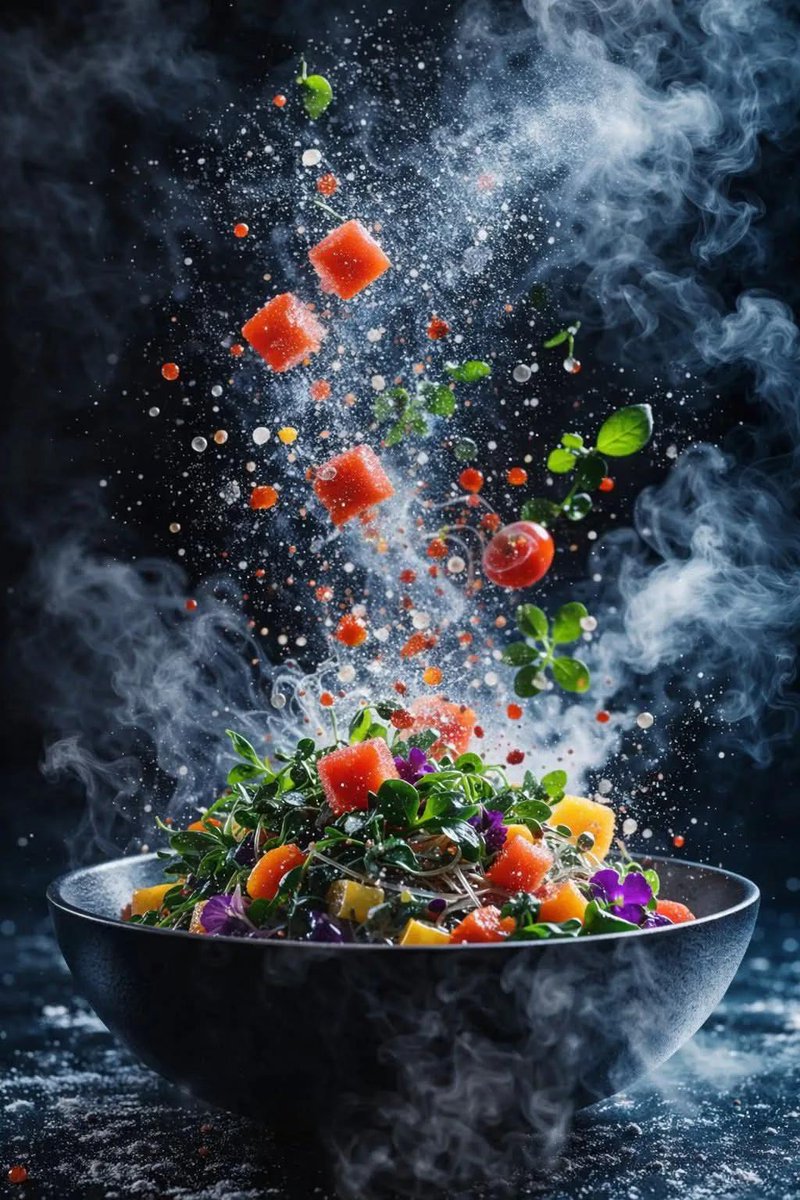
    "scene_description": "A dynamic salad explosion emerging from a matte black bowl placed on a round wooden surface. Ingredients are mid-air, scattered upward and outward.",
    "ingredients_visible": [
      "green lettuce leaves",
      "cherry tomatoes (whole and sliced)",
      "cucumber slices arranged in a curved stack",
      "black olives",
      "white cheese cubes",
      "orange citrus slice",
      "small broccoli florets",
      "fresh green basil leaves"
    ],
    "motion_details": {
"ingredients":Sample Images