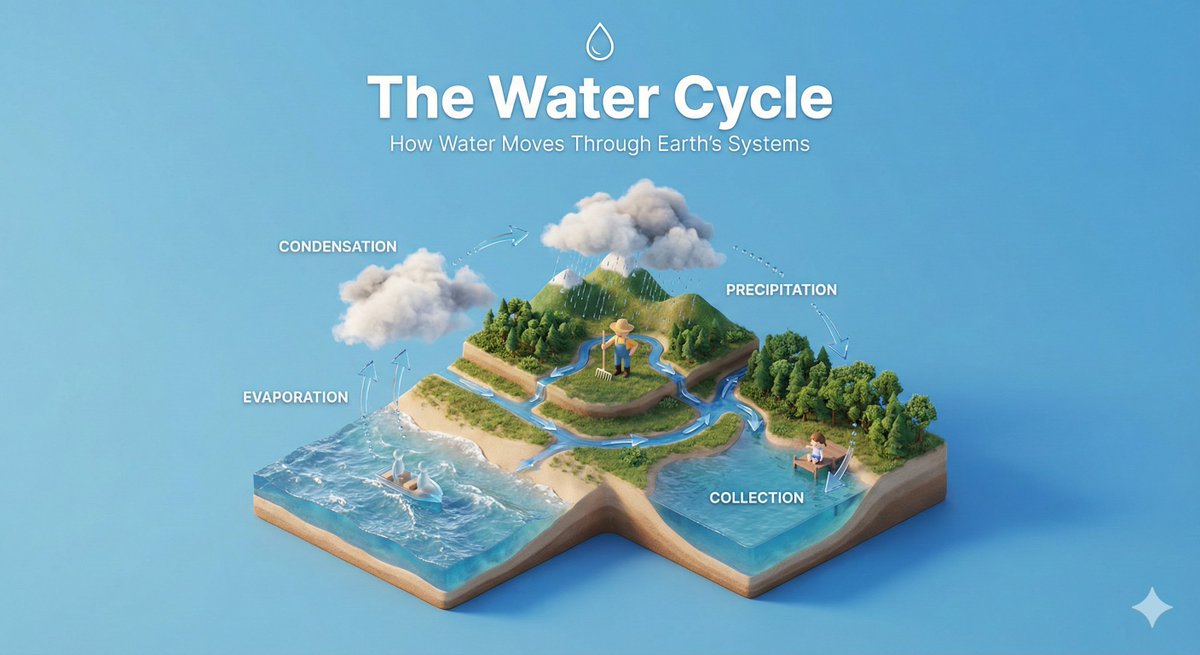
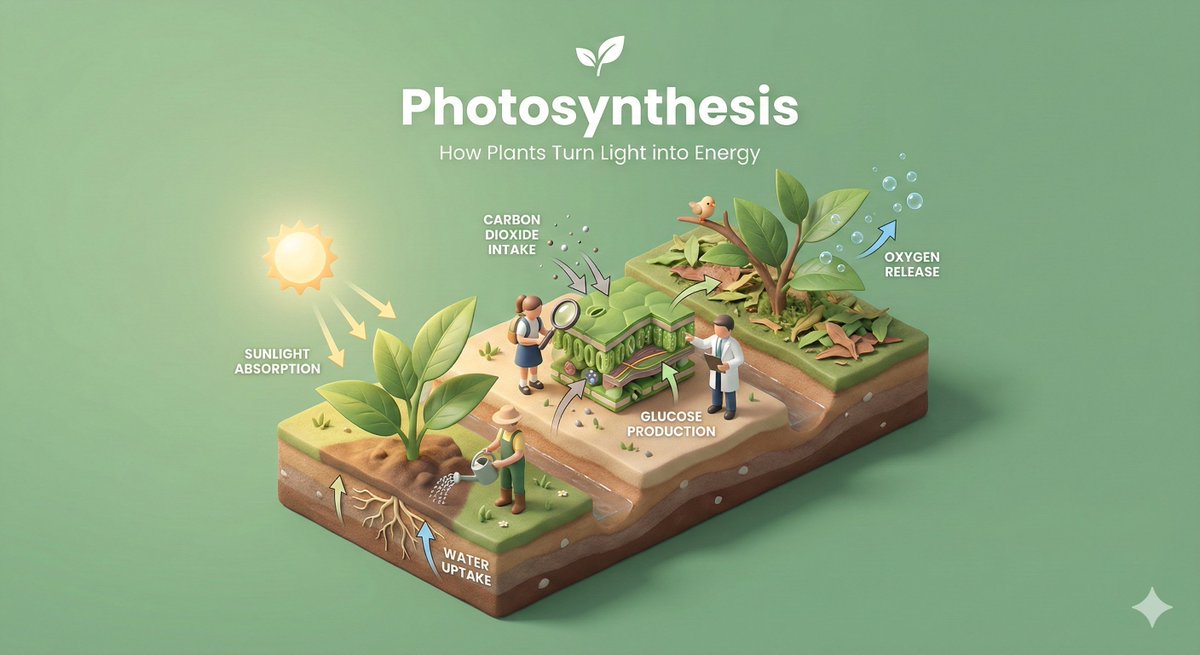
Illustration & 3D
Clear, 45° Top-down Isometric Miniature 3D Educational Diorama Explaining Subject.
Use Cases
- Suitable for Illustration & 3D AI image generation workflows, with reusable structure for fast iteration.
- Best for stable, style-consistent outputs in iterative generation.
Notes
- Replace placeholders (such as
[OBJECT]and{variable}) with concrete subjects and contexts. - Keep core constraints first (composition, lighting, lens, materials), then add style modifiers gradually.
- If results become noisy, reduce prompt density and reintroduce key elements step by step.
#Illustration & 3D
Author@aleenaamiirSource URLhttps://x.com/aleenaamiir/status/2013493349156823287
Prompt Template
Create a clear, 45° top-down isometric miniature 3D educational diorama explaining [PROCESS / CONCEPT].

Use soft refined textures, realistic PBR materials, and gentle lifelike lighting.

Build a stepped or layered diorama base showing each stage of the process with subtle arrows or paths.

Include tiny stylized figures interacting with each stage (no facial details).

Use a clean solid [BACKGROUND COLOR] background.
At the top-center, display [PROCESS NAME] in large bold text, directly beneath it show a short explanation subtitle, and place a minimal symbolic icon below.

All text must automatically match the background contrast (white or black).
Sample Images