UI & Graphic
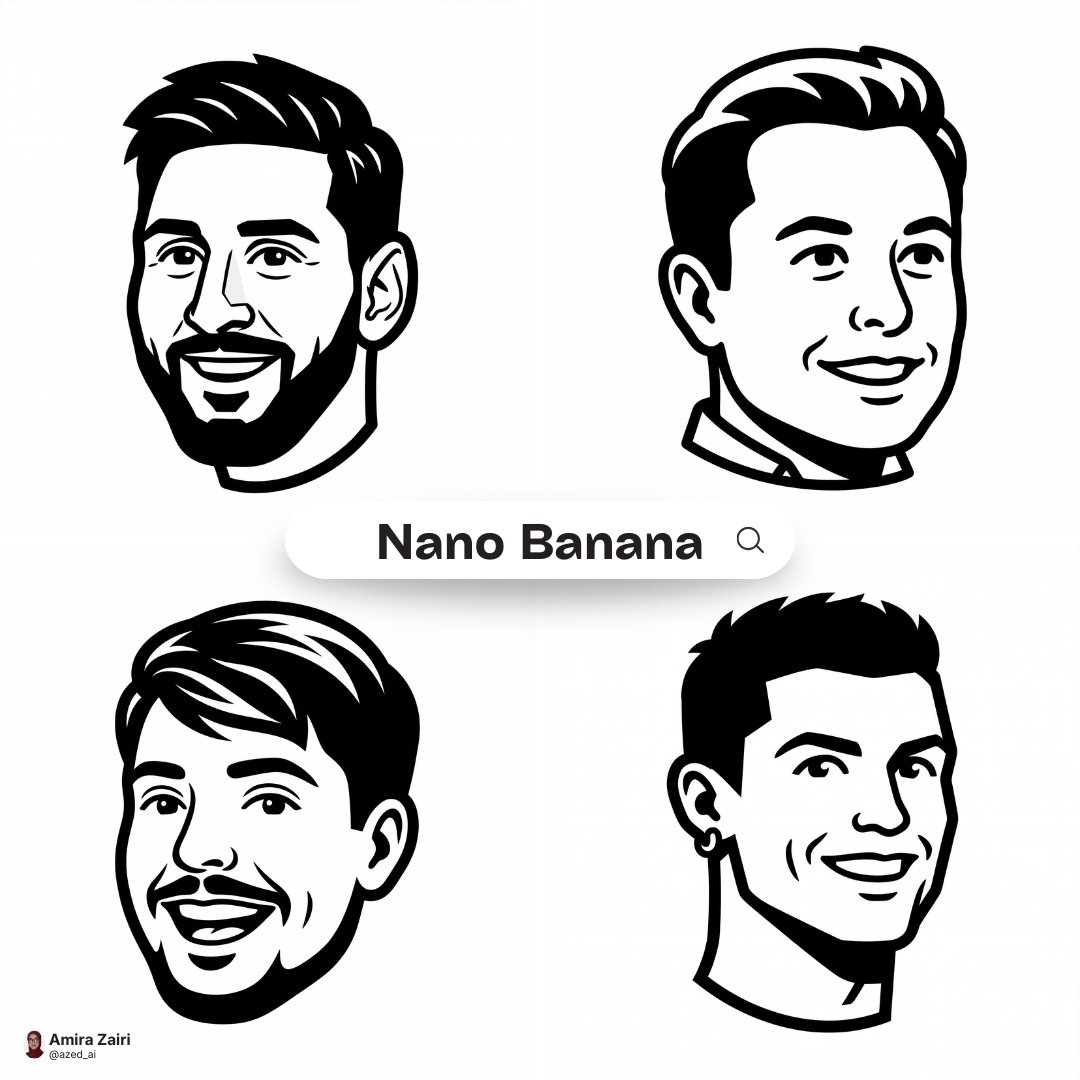
Clean High-contrast Vector Mascot Icon IN Notion-style Artwork Based ON
Use Cases
- Suitable for UI & Graphic AI image generation workflows, with reusable structure for fast iteration.
- Best for stable, style-consistent outputs in iterative generation.
Notes
- Replace placeholders (such as
[OBJECT]and{variable}) with concrete subjects and contexts. - Keep core constraints first (composition, lighting, lens, materials), then add style modifiers gradually.
- If results become noisy, reduce prompt density and reintroduce key elements step by step.
#UI & Graphic
Author@azed_aiSource URLhttps://x.com/azed_ai/status/2032819091485110500
Prompt Template
Create a clean high-contrast vector mascot icon in Notion-style artwork based on [person description]. Show only the head in a 3/4 view. Use very thick bold black outer outlines and slightly thinner inner detail lines. Flat monochrome fill. Simplify facial features into strong geometric shapes while preserving recognizable traits such as bald head or hairstyle, beard shape, glasses shape, eyebrows, and smile. Expression should be friendly and slightly exaggerated. Teeth are simplified into clean flat blocks. pure white background. Modern startup mascot logo aesthetic, clean SVG vector look, crisp edges, black and white only, high contrast, symmetrical balance, square composition, 1:1 aspect ratio
Sample Images